AI & IT TOOLS
AI and tools, as much as you need.
Guides on AI tools and workflows, developer tools and computer hardware, sorted by group. The Blender guides have their own page.
WORKFLOW
AI workflow 8 guides
Real workflows that connect AI and 3D work.
 AI & IT tools
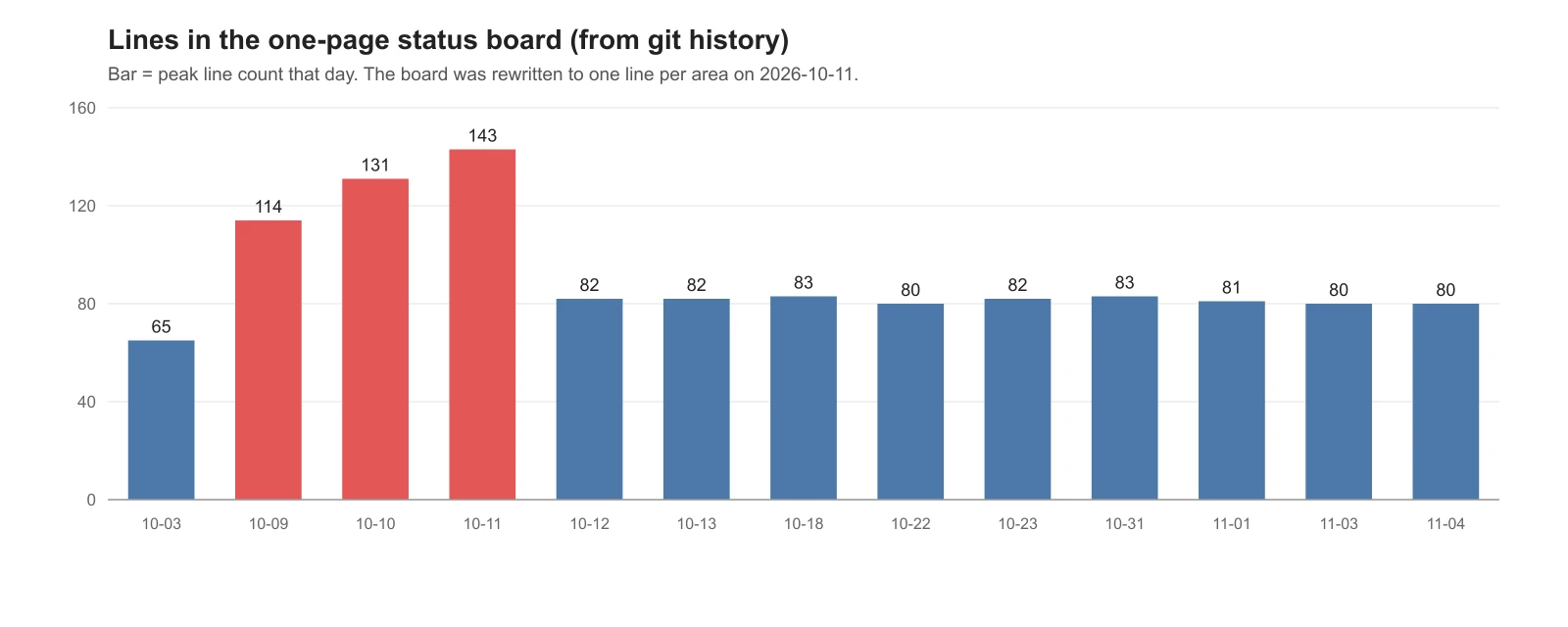
Long Claude Code projects: RESUME files and handoffs
Keep weeks-long Claude Code work on track with a short summary in a RESUME file, a /handoff command, and a status line and hook that warn at 60% and 70%.
 AI & IT tools
Claude Code hooks: block risky commands with PreToolUse
Write a small Python PreToolUse hook that Claude Code runs before each tool call, register it in settings.json, and block five risky agent commands.
 AI & IT tools
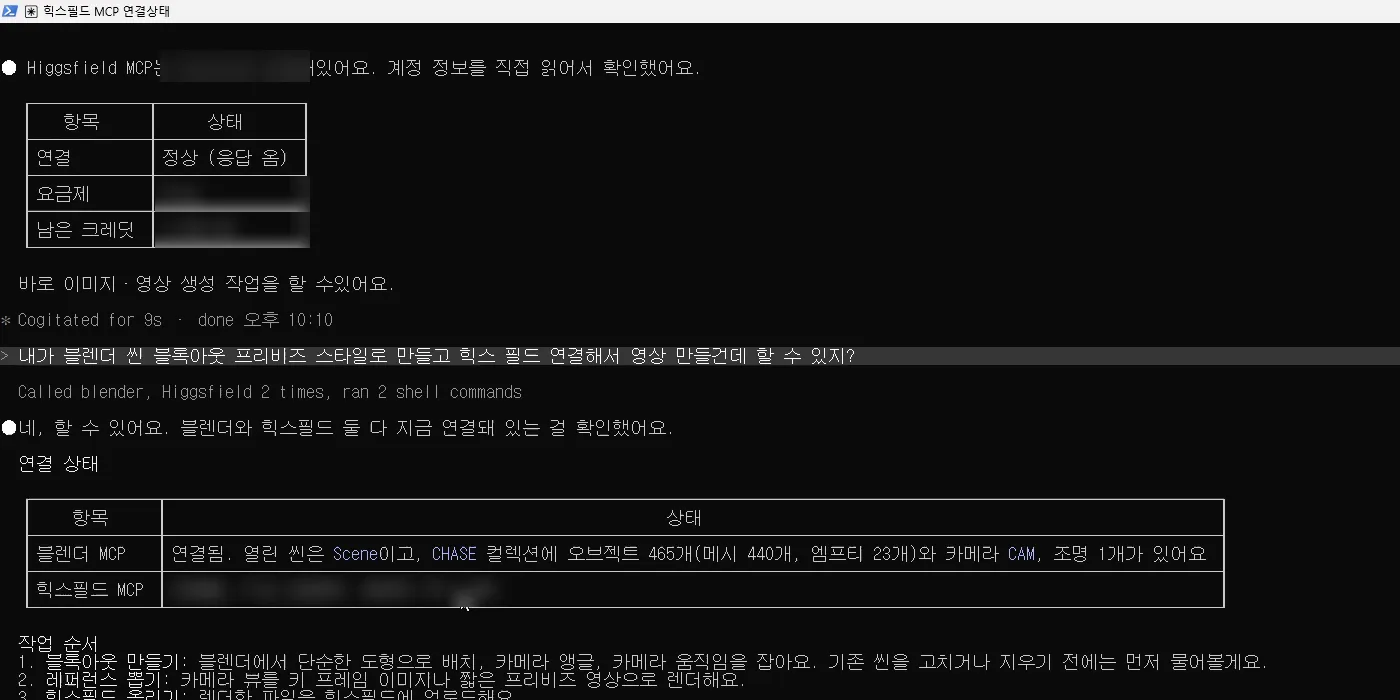
Higgsfield MCP in Claude Code: quote, submit, log
Compare MCP and CLI ways to connect Higgsfield to Claude Code, then follow the real order for one sponsored scene: check, upload, quote, submit, log.
 AI & IT tools
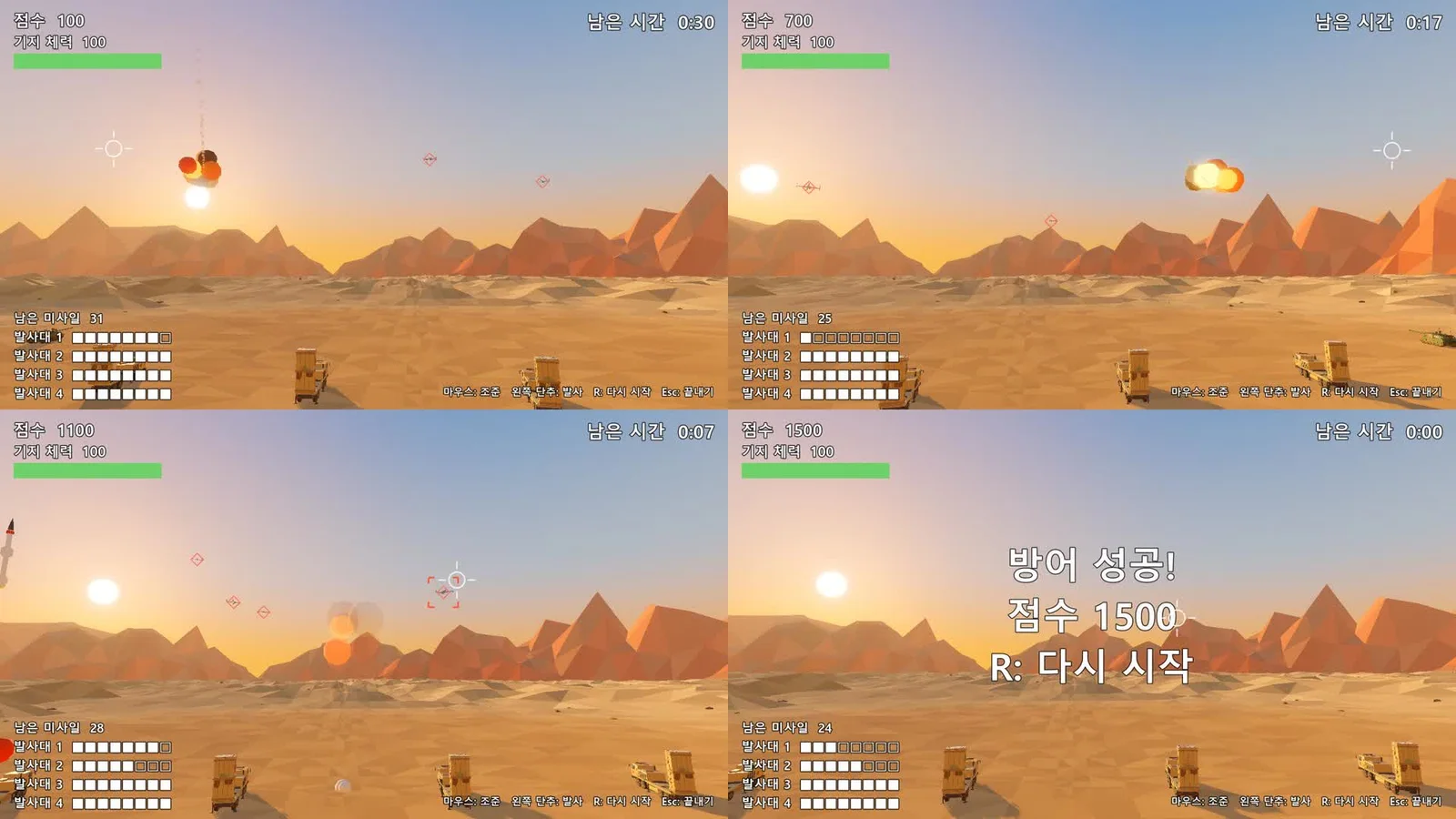
First game scope: a size a solo developer can finish
Cut a first solo game to a size you can finish: a one-page plan, splitting the schedule, and real times and scope changes from three small games.
 AI & IT tools
Solo game dev with AI: what to hand off, what to check
How much code, 3D, art, sound and text a solo developer can hand to AI, where a person must check, tool terms, and Steam and itch.io AI disclosure.
 AI & IT tools
Solo game development map: Blender, AI and a game engine
What Blender, an AI assistant and a game engine each do when you make a game alone, seven steps to a first finished game, and notes from small Godot games.
 AI & IT tools
Solo game dev without a degree: what you need to know
Which parts of programming, math, art, sound and game design you really need for a solo game, which AI and tools fill in, and what AI cannot.
 AI & IT tools
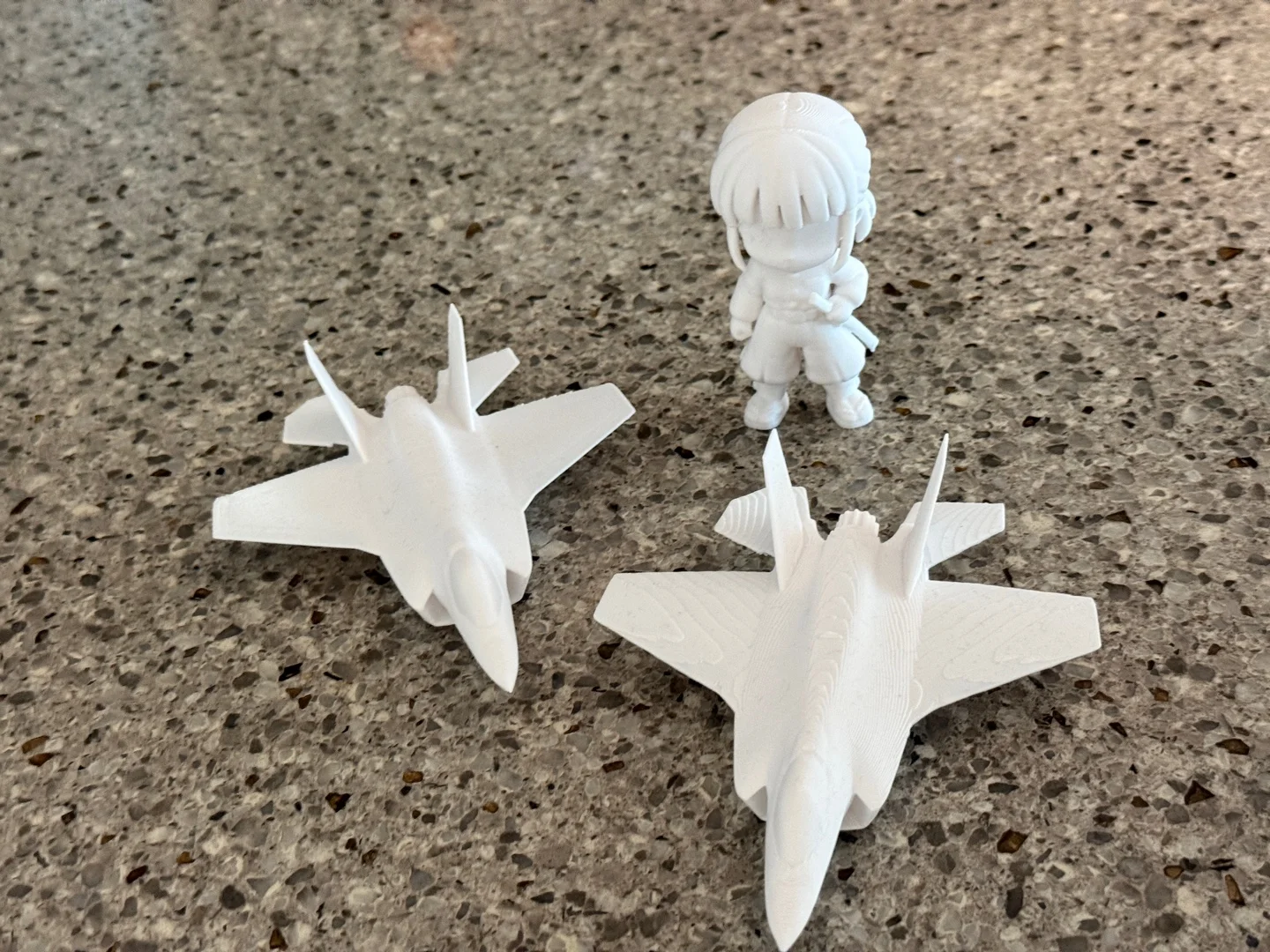
Meshy AI 3D printing with Claude Code: one picture to print
Turn one reference picture into a 3D model with Meshy AI, check and repair it with Claude Code and Blender, make 3MF and STL files, and print it.
AI TOOLS
AI tools 20 guides
How to install and use AI tools, Claude Code among them.
 AI & IT tools
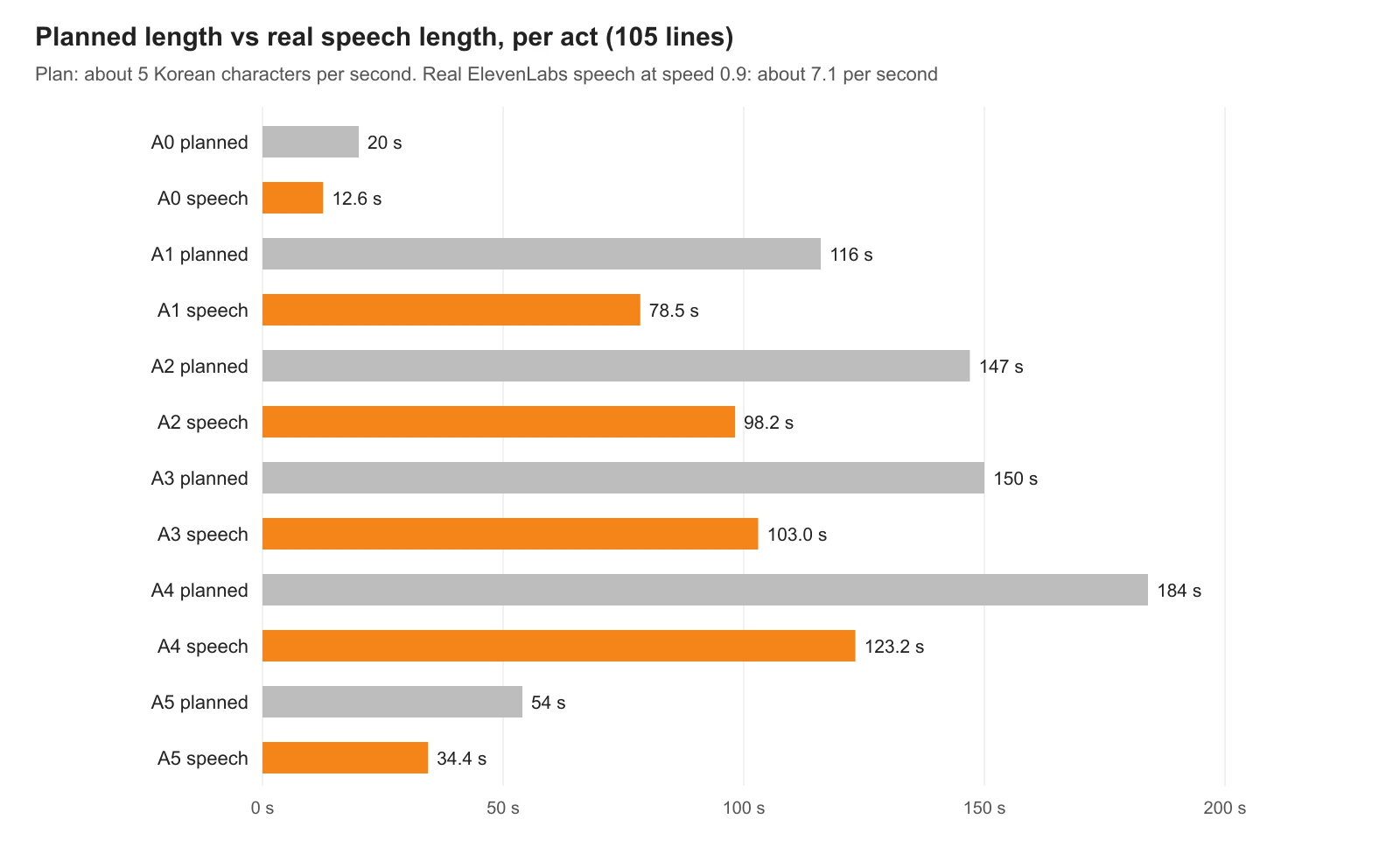
AI narration length: characters per second and shot timing
Why a 5 characters-per-second plan came out 30% short in ElevenLabs, how to set the rate, spell out numbers, and fit one file per line to each shot.
 AI & IT tools
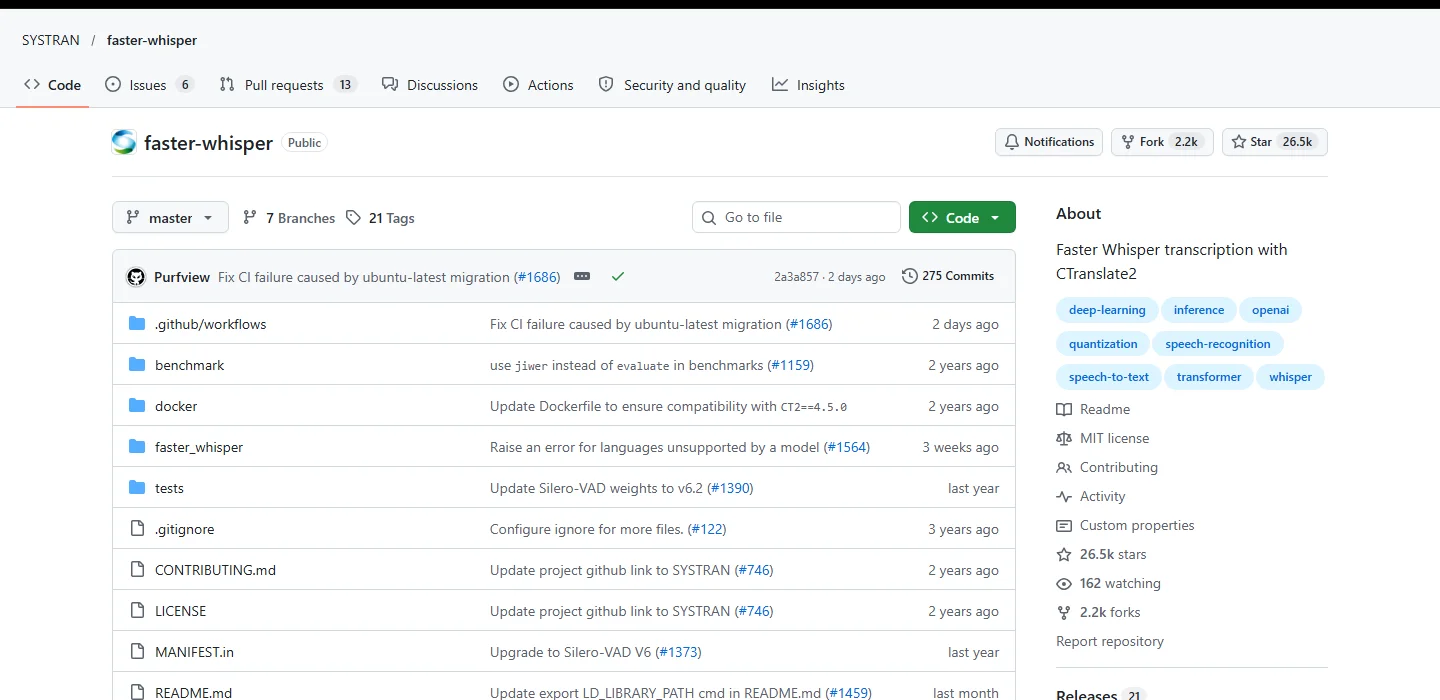
Check AI narration with faster-whisper: SRT vs script
Transcribe 60 seconds of Korean AI narration with faster-whisper small and medium, write an SRT file, and compare it with the script to find misread words.
 AI & IT tools
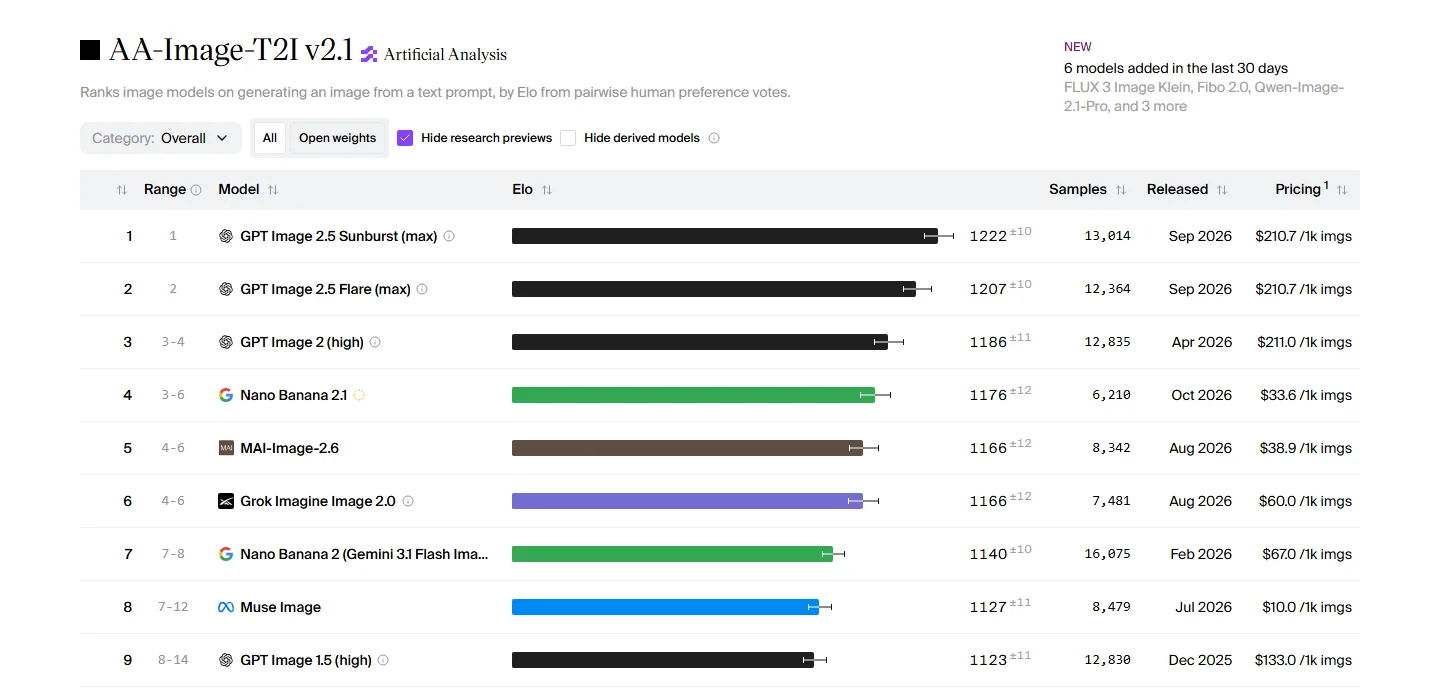
GPT Image 2.5 vs Nano Banana 2.1: AI image models, fall 2026
Names, release dates, prices and leaderboard places of GPT Image 2.5 (Flare, Sunburst) and Nano Banana 2.1, checked against official sources.
 AI & IT tools
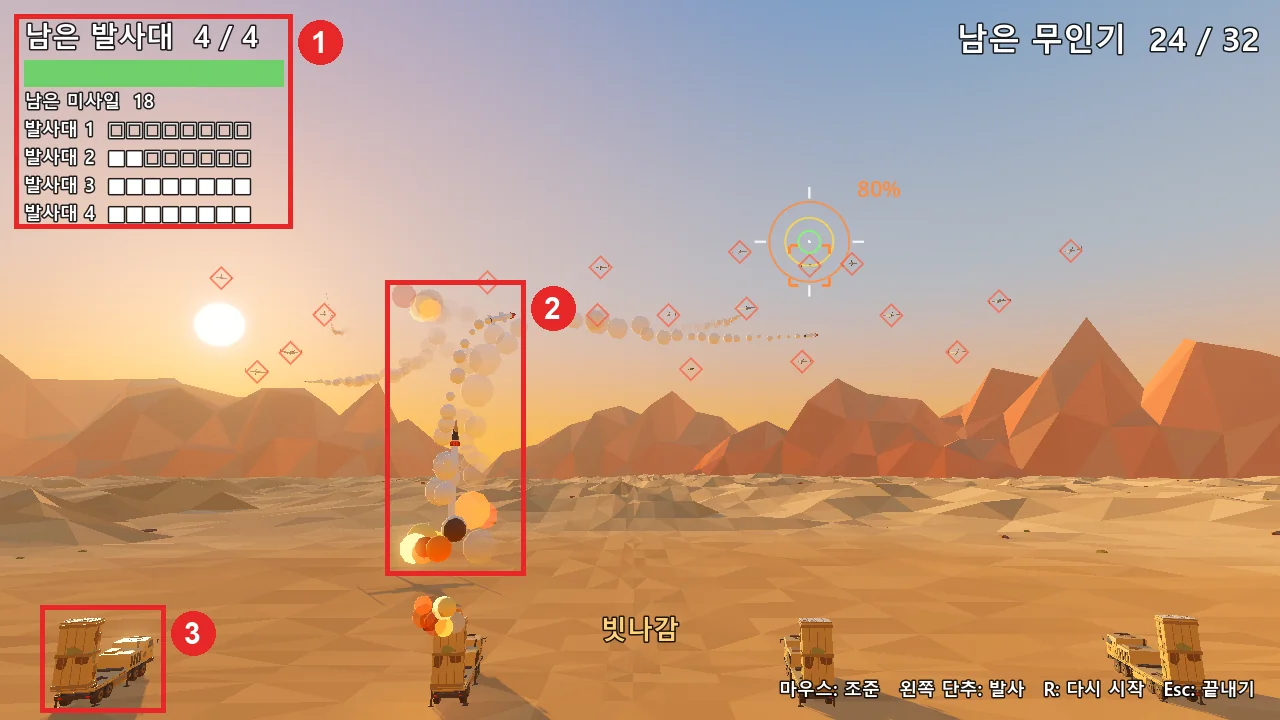
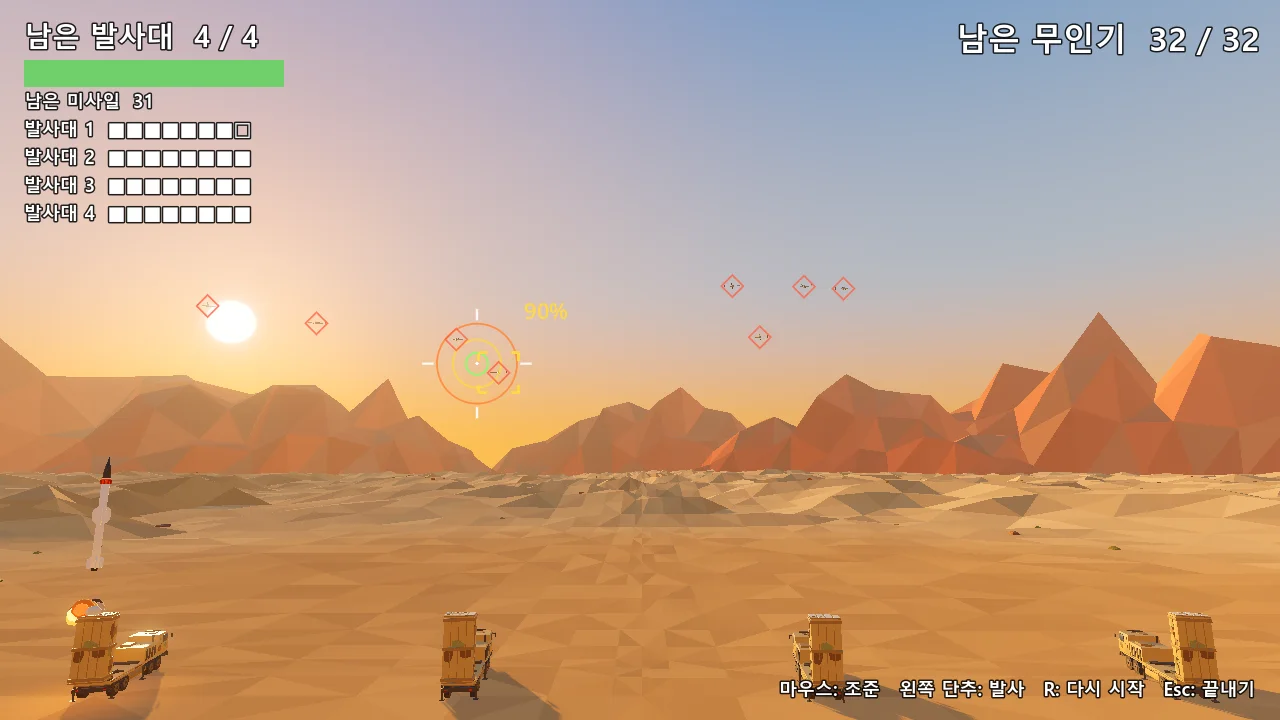
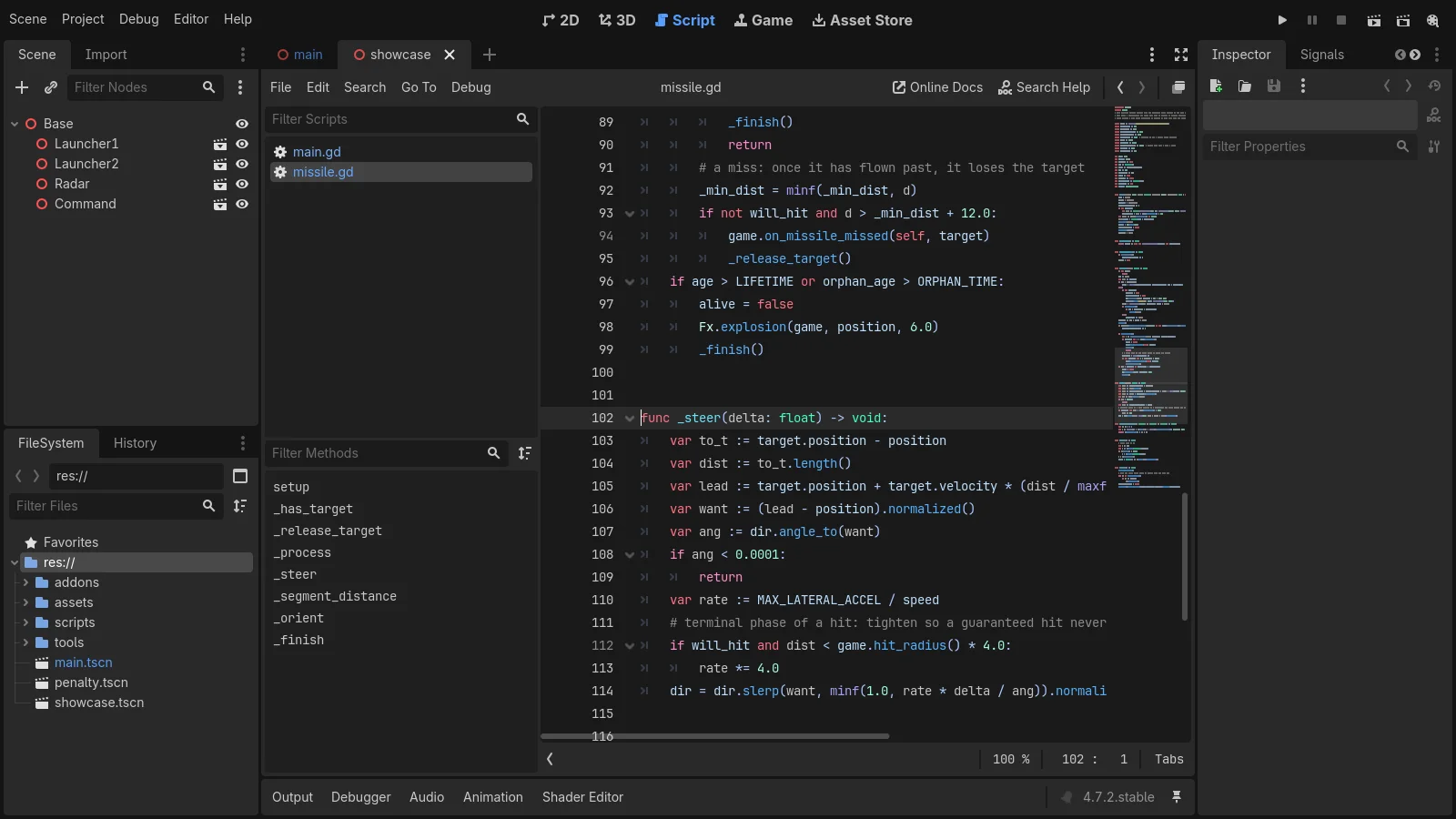
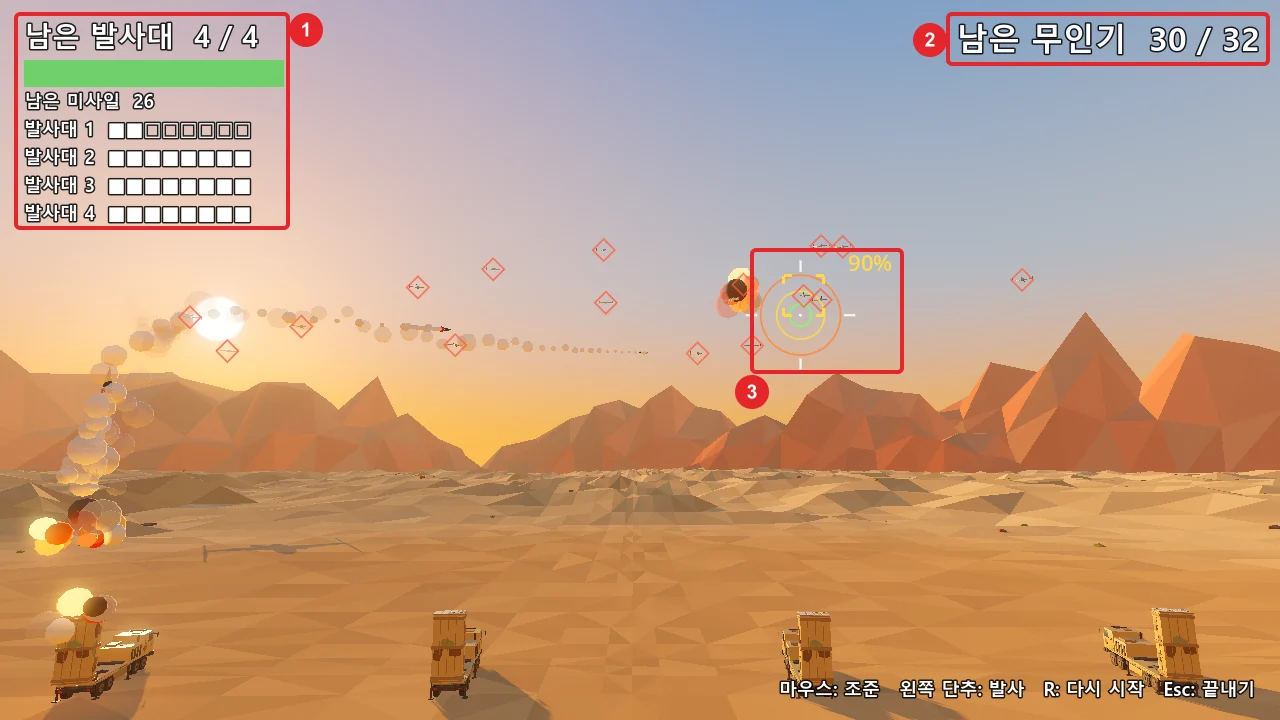
Godot game scenes with Claude Code: notes from real games
Notes from an air defense game, a penalty shootout and a canyon flight game in Godot 4.7.2 with Claude Code: planning, Blender models, automatic checks.
 AI & IT tools
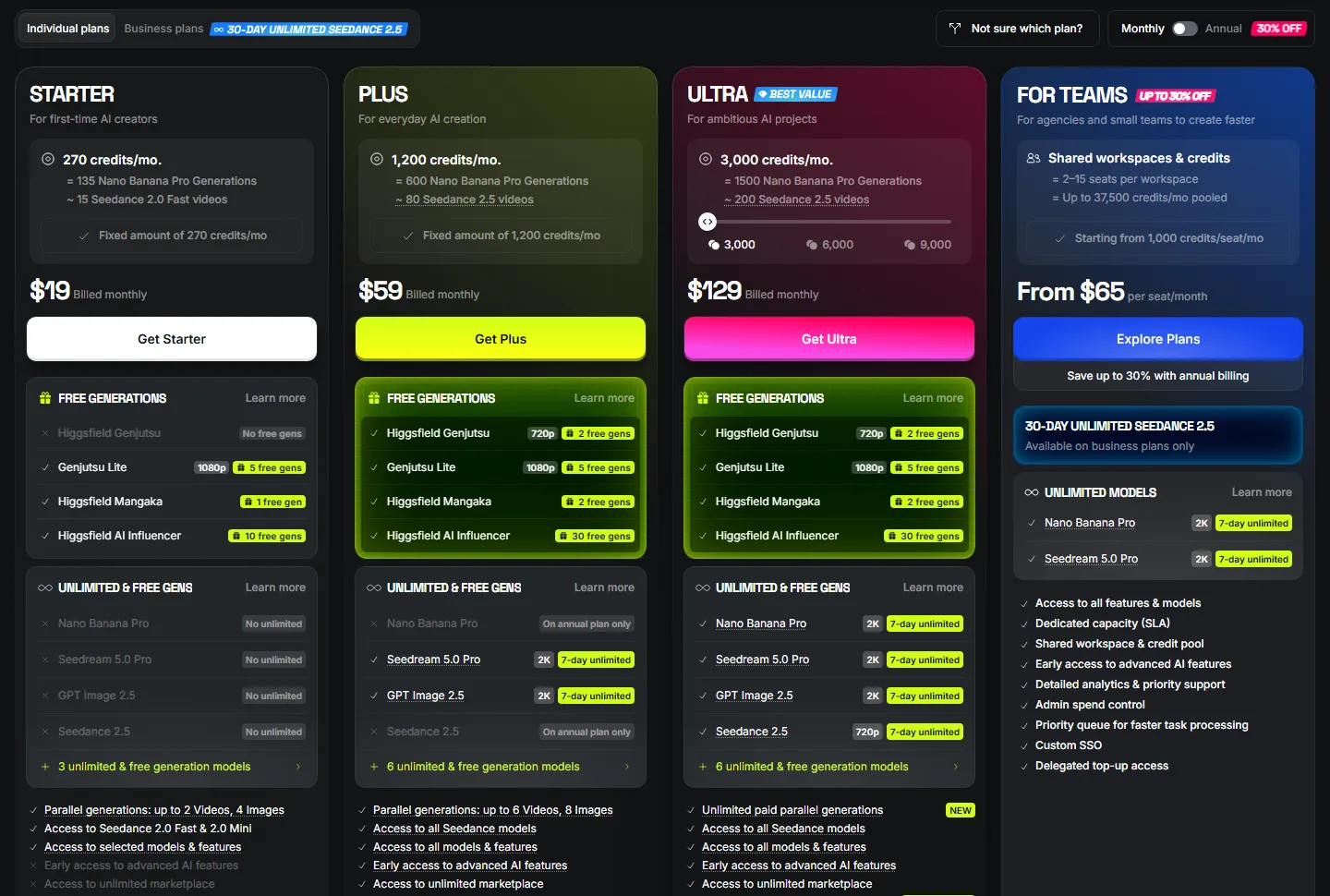
Higgsfield pricing and credits: plans and real spend
Read Higgsfield's four individual plans by price, credits and models, then use a real credit log from a sponsored video to estimate one clip's cost.
 AI & IT tools
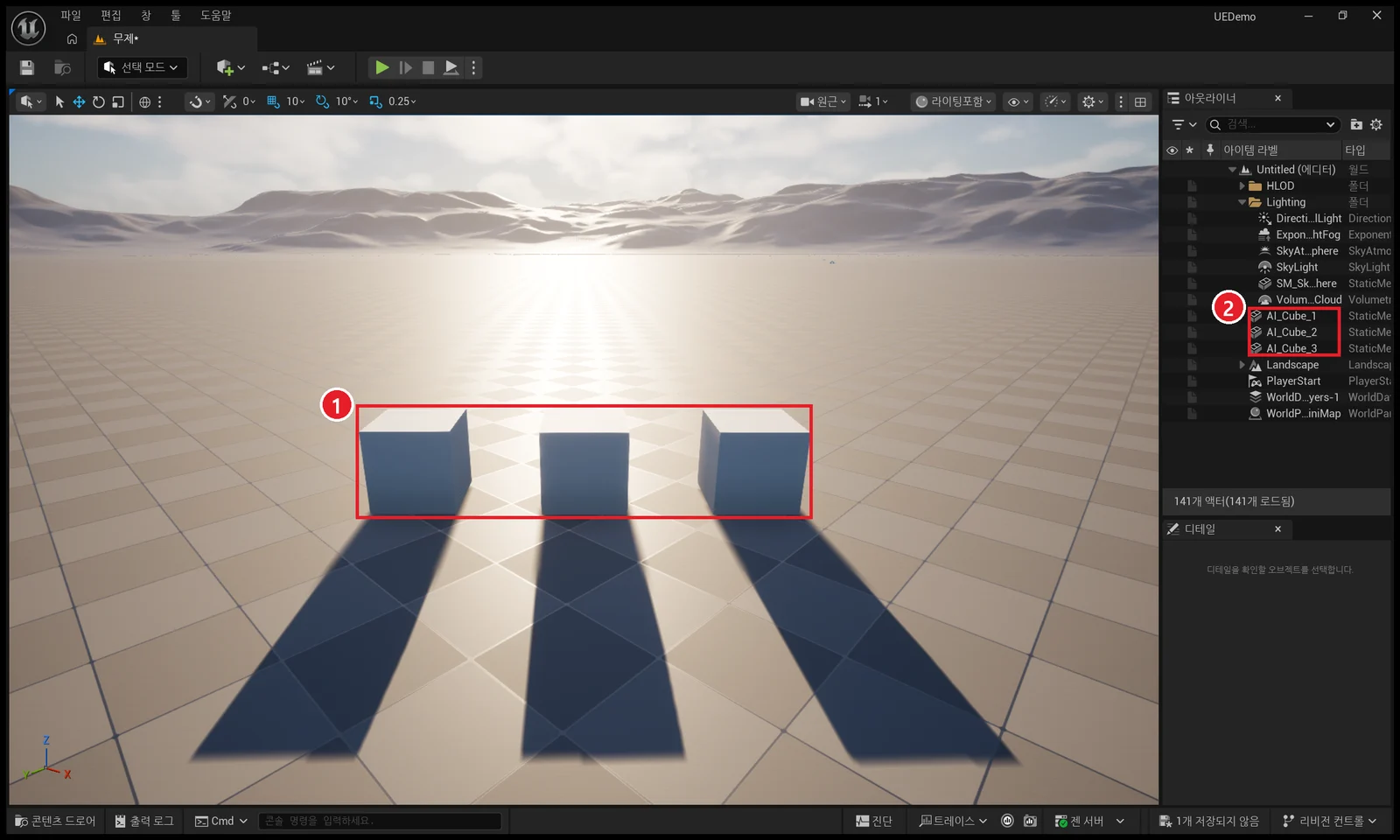
Unreal Engine 5.8 MCP plugin with Claude Code
Enable the experimental Unreal MCP plugin in Unreal Engine 5.8, connect Claude Code, get a level summary, place three cubes, and learn how to undo safely.
 AI & IT tools
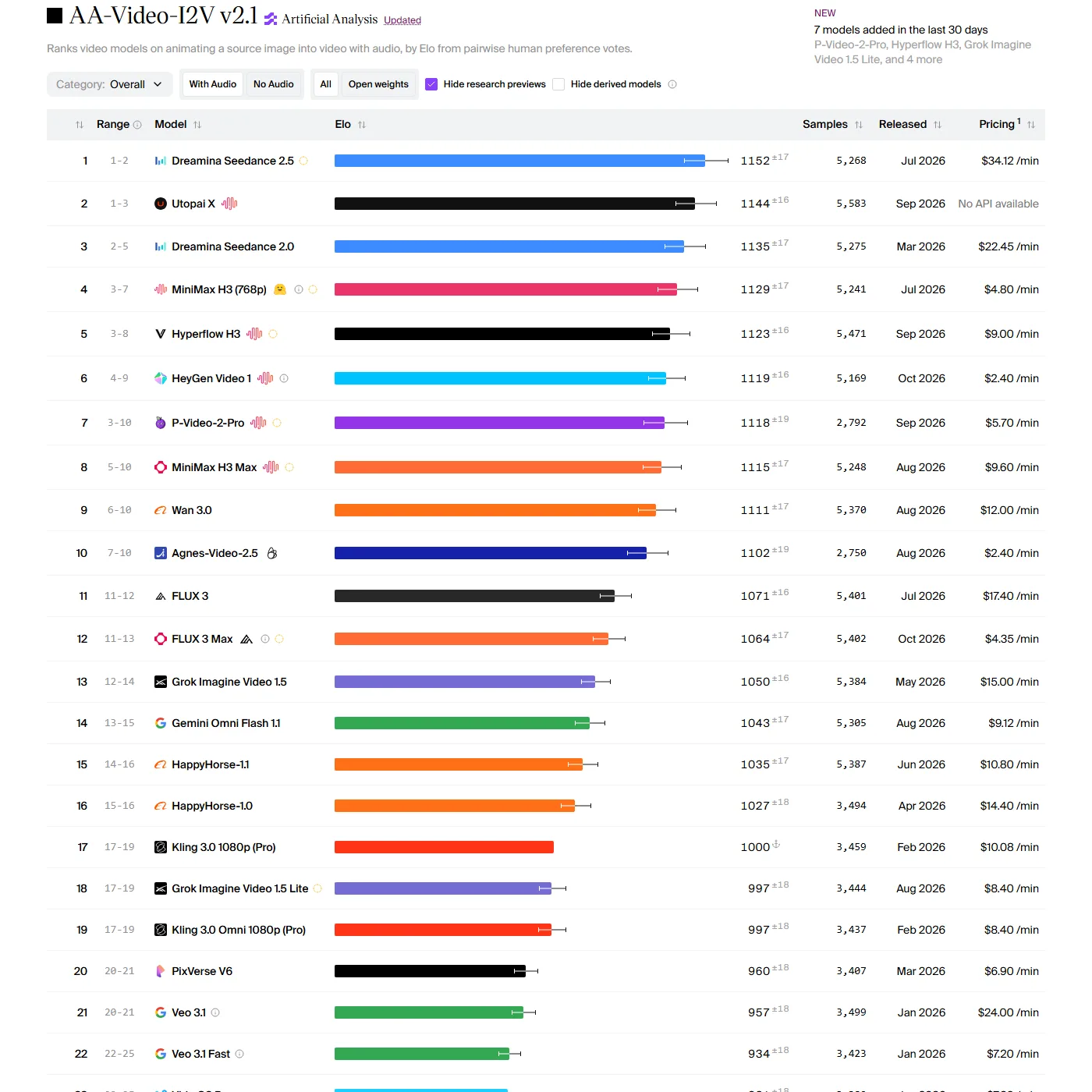
Best AI video model by use: live action, animation, film
Eight AI video models sorted by use: live action, animation, film camera work, motion, lip-sync, same character and low cost, with leaderboard evidence.
 AI & IT tools
AI video models compared (Oct 2026): Kling, Wan, Seedance
Specs, prices and openness of eight models, including Kling 4.0, Wan 3.0, Seedance 2.5 and Gemini Omni 1.1 Flash, in two tables, with pros and cons.
 AI & IT tools
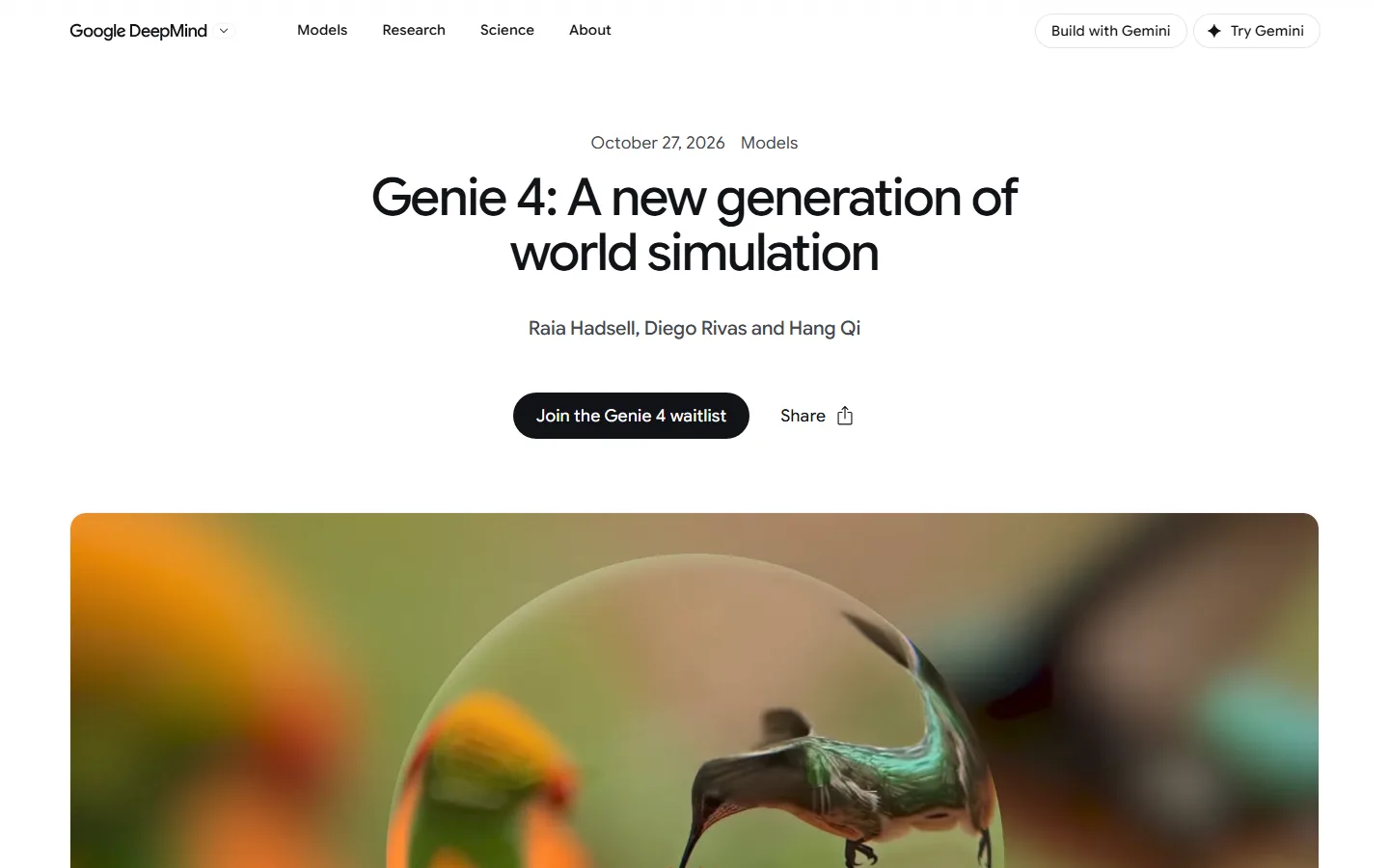
Genie 4 world model explained: what it means for 3D artists
What is new in Google DeepMind's Genie 4, how it differs from Genie 3, who can use it and when, its limits, and what it may mean for Blender users.
 AI & IT tools
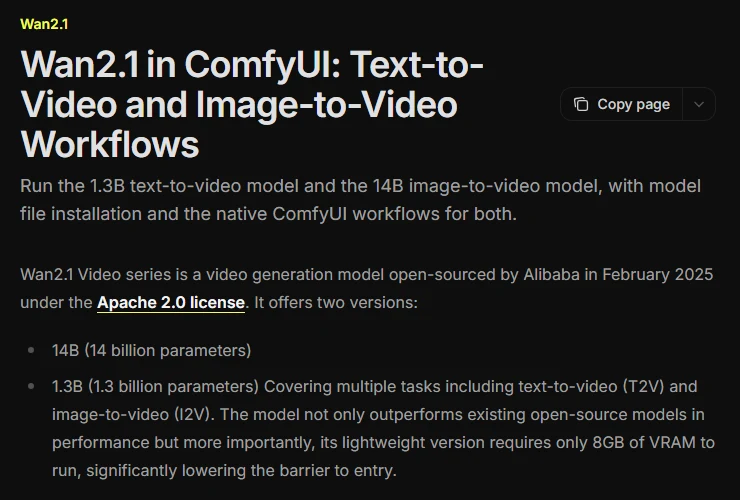
Wan 2.1 image to video: one character image to a clip
How open-source Wan 2.1 turns one character image into a short clip, the official ComfyUI steps, VRAM needed, and how it compares with OpenAI.
 AI & IT tools
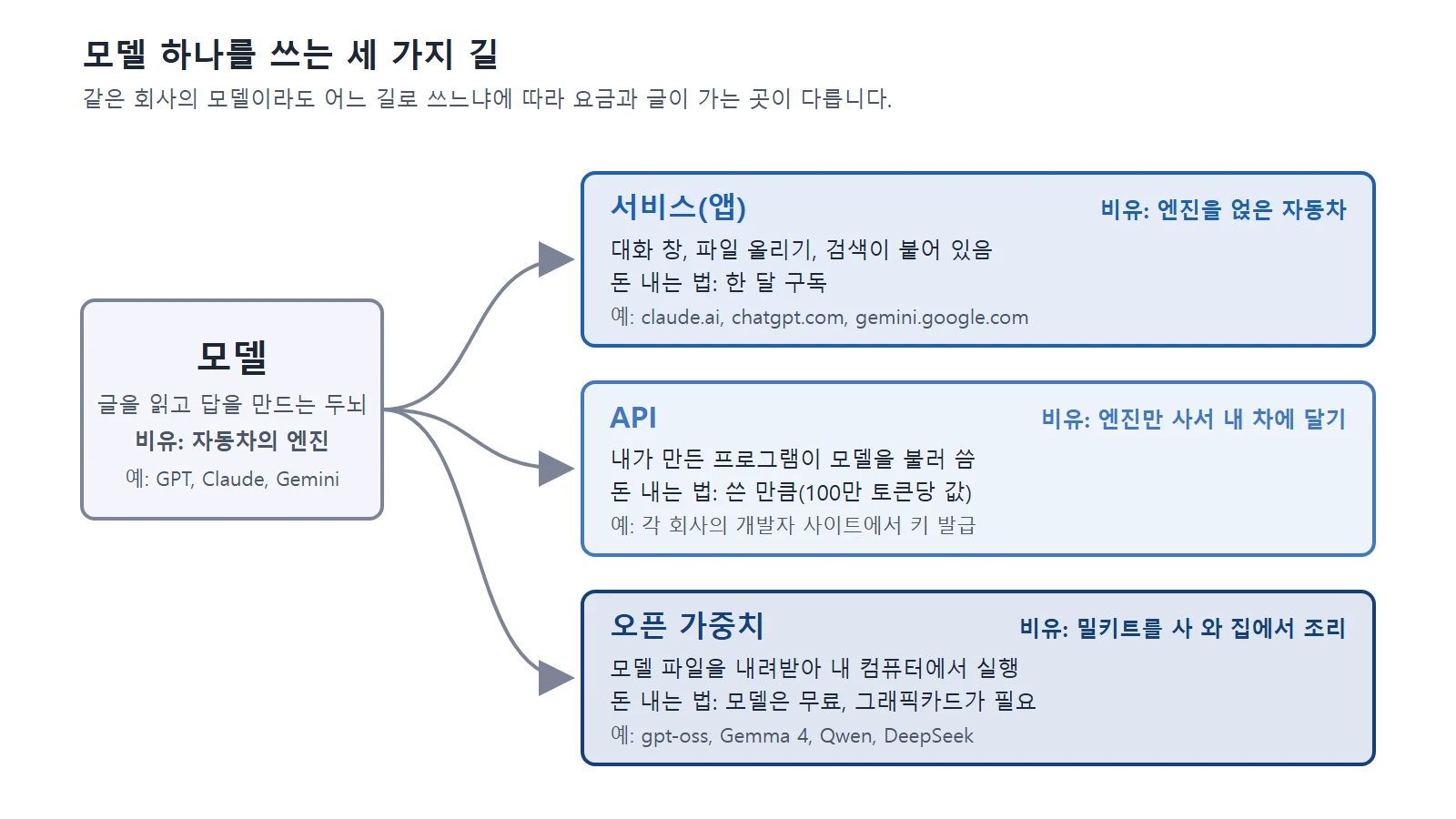
Claude vs ChatGPT vs Gemini: 12 AI services compared
Pricing, privacy, strengths and Korean support of 12 US and Chinese AI services, including Claude, ChatGPT and Gemini, with a table for choosing.
 AI & IT tools
AI art copyright: are AI images and text protected?
US and Korean guidance says AI output made only from a prompt is unlikely to be protected. The standards in both countries and what to check before use.
 AI & IT tools
How AI image generation works, and how to write prompts
Diffusion models find a picture in noise, step by step. How it works, a prompt backbone of subject, setting and style, and what AI still does poorly.
 AI & IT tools
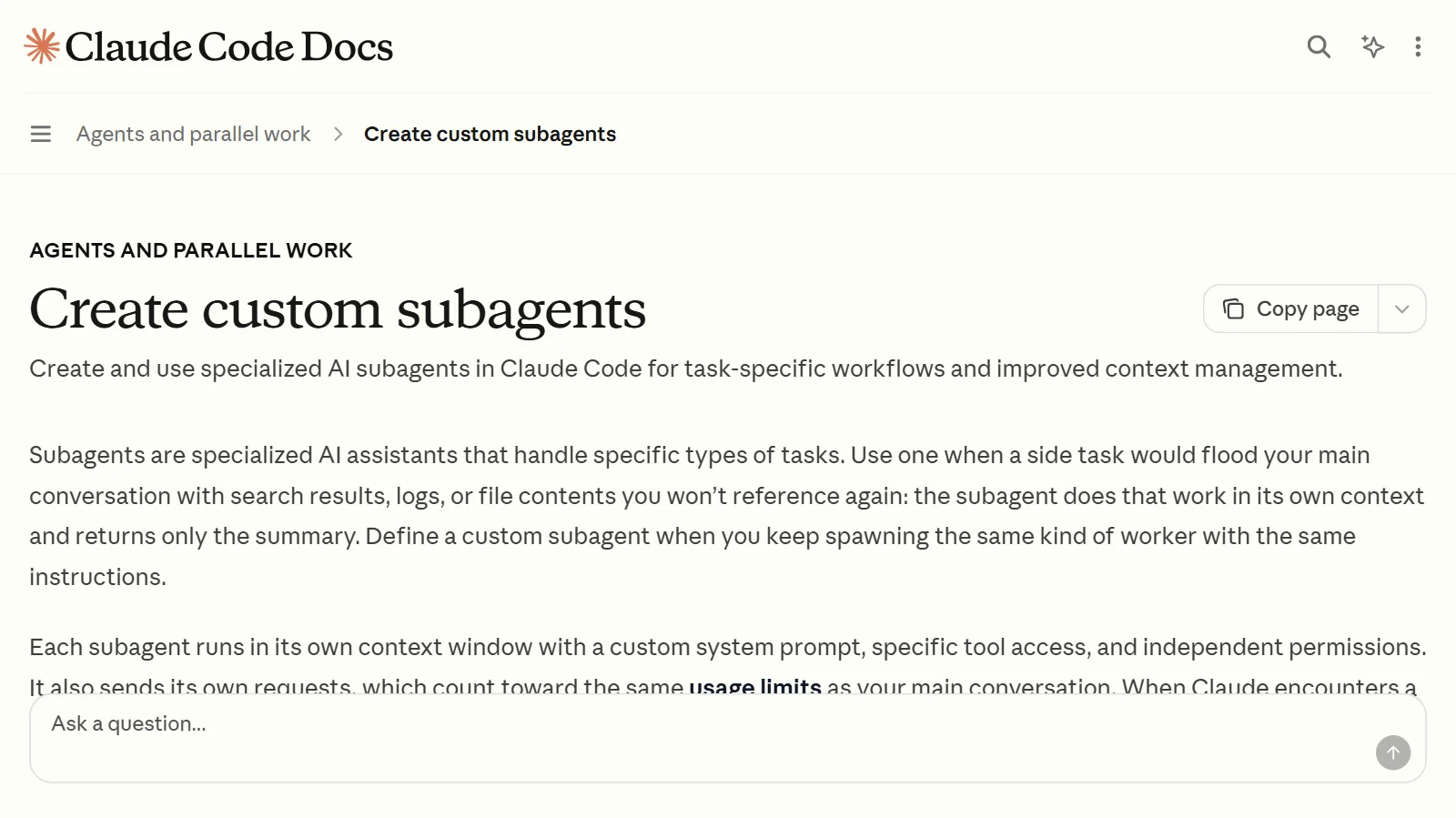
AI subagents explained: splitting work among several AIs
How one AI hands side tasks to assistant AIs, three ways to organize a multi-agent team, making a subagent in Claude Code, and when it costs you more.
 AI & IT tools
AI video generation basics: video from text and images
How AI video works, three ways to start, how to add action and camera to a prompt, and what AI video still often gets wrong.
 AI & IT tools
Claude Code for beginners: install and first conversation
Install Claude Code on Windows or Mac, start your first conversation in the terminal, and learn the first safety features: permission modes and undo.
 AI & IT tools
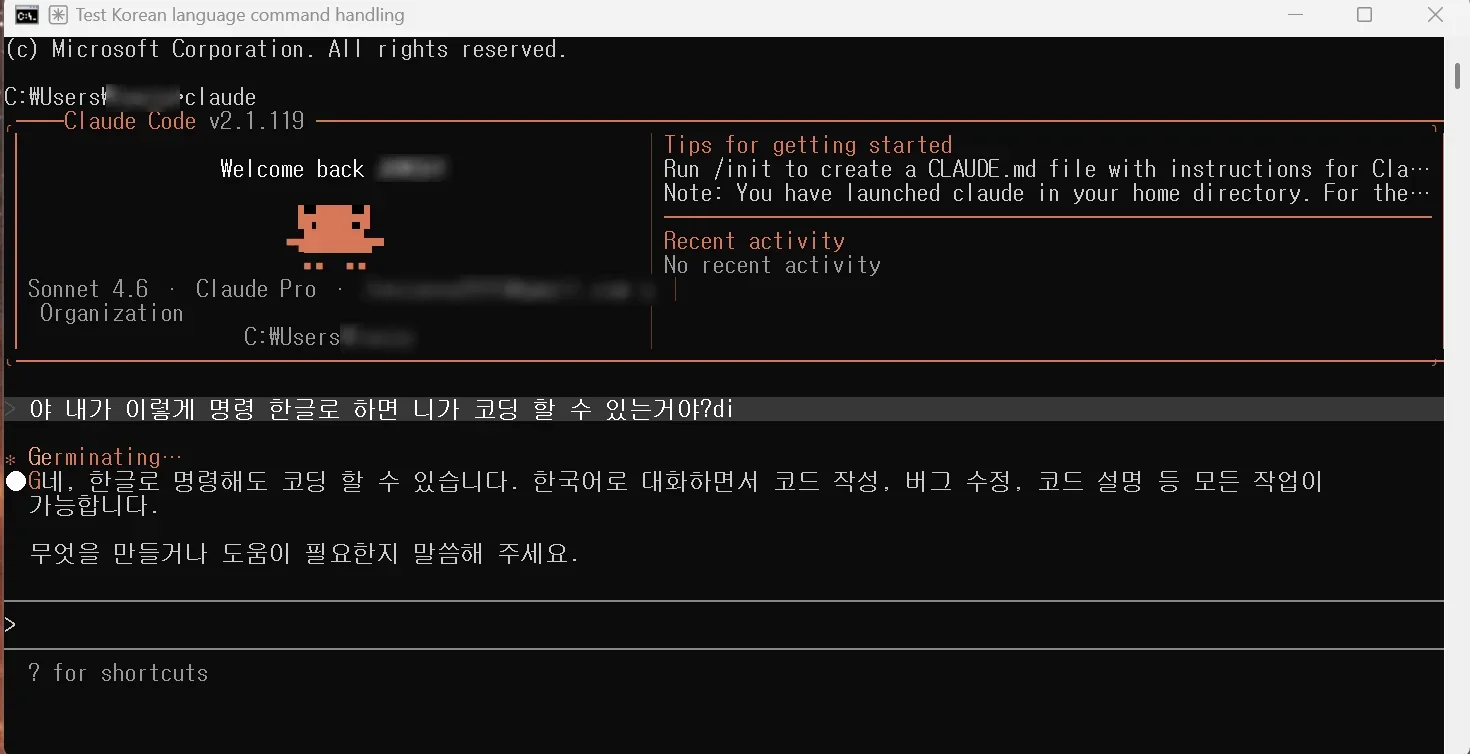
Install Claude Code on Windows: a beginner's first setup
My first Claude Code install on Windows in April 2026: the install command, fixing the missing git error, Node.js, the Path variable and the first run.
 AI & IT tools
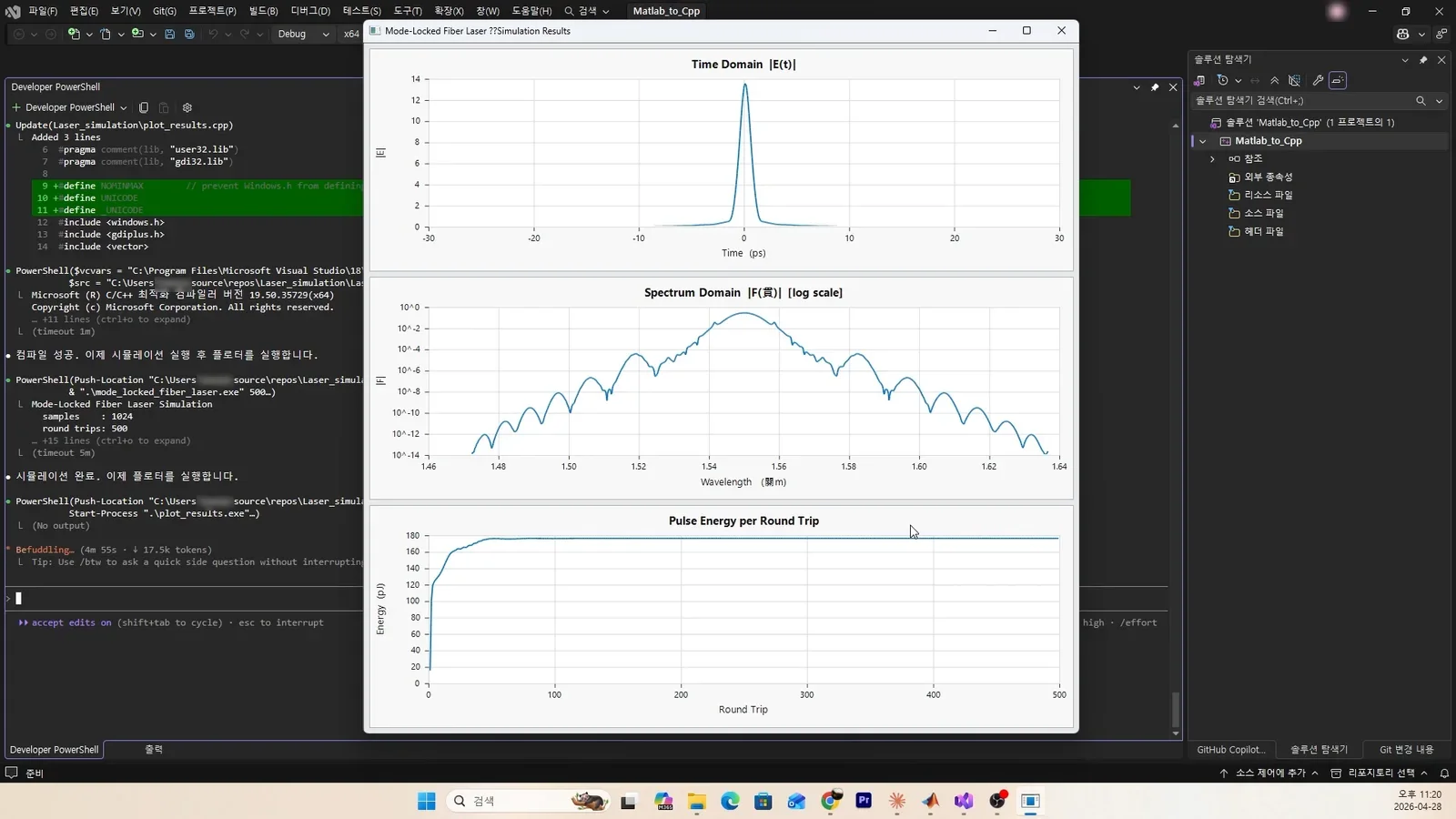
Matlab to C++ with Claude Code: from code to GUI graphs
How I asked Claude Code in plain language to convert Matlab code with FFT into C++ and draw the result graphs in a GUI, all in under 20 minutes.
 AI & IT tools
What is Higgsfield? Image and video AI platform basics
Higgsfield brings many image and video AI models into one place. From official sources: what it includes, how to use it, credits, and terms to check first.
 AI & IT tools
How to connect MCP servers to an AI app: 3 ways
Three ways to connect an MCP server: a remote one in the chat app, a local server in the desktop app, or one command in Claude Code, plus fixes and safety.
AI BASICS
AI basics 6 guides
Ideas worth knowing before you use AI tools.
 AI & IT tools
AI vs AI agent: AI that answers, AI that works
An AI agent is an AI given tools and a loop of think, act, check. How it differs from a chatbot, and safety habits for using agents.
 AI & IT tools
Local AI vs cloud AI: what is the difference?
Local AI runs on your own device; cloud AI runs on a company's servers. Compare privacy, cost, performance and required specs, and pick what suits you.
 AI & IT tools
How to write good prompts: 5 principles from official guides
Learn prompting basics from the official guides: be specific, give the reason, and show examples. With before-and-after examples and a checklist.
 AI & IT tools
Tokens and context windows: why AI forgets long chats
A token is the unit AI counts text in; the context window is how much it sees at once. What happens in long chats, context rot, and tips to use now.
 AI & IT tools
What is an LLM? Large language models explained simply
An LLM, the base of ChatGPT and Claude, works like a giant autocomplete. Learn it through three words: tokens, context and hallucination.
 AI & IT tools
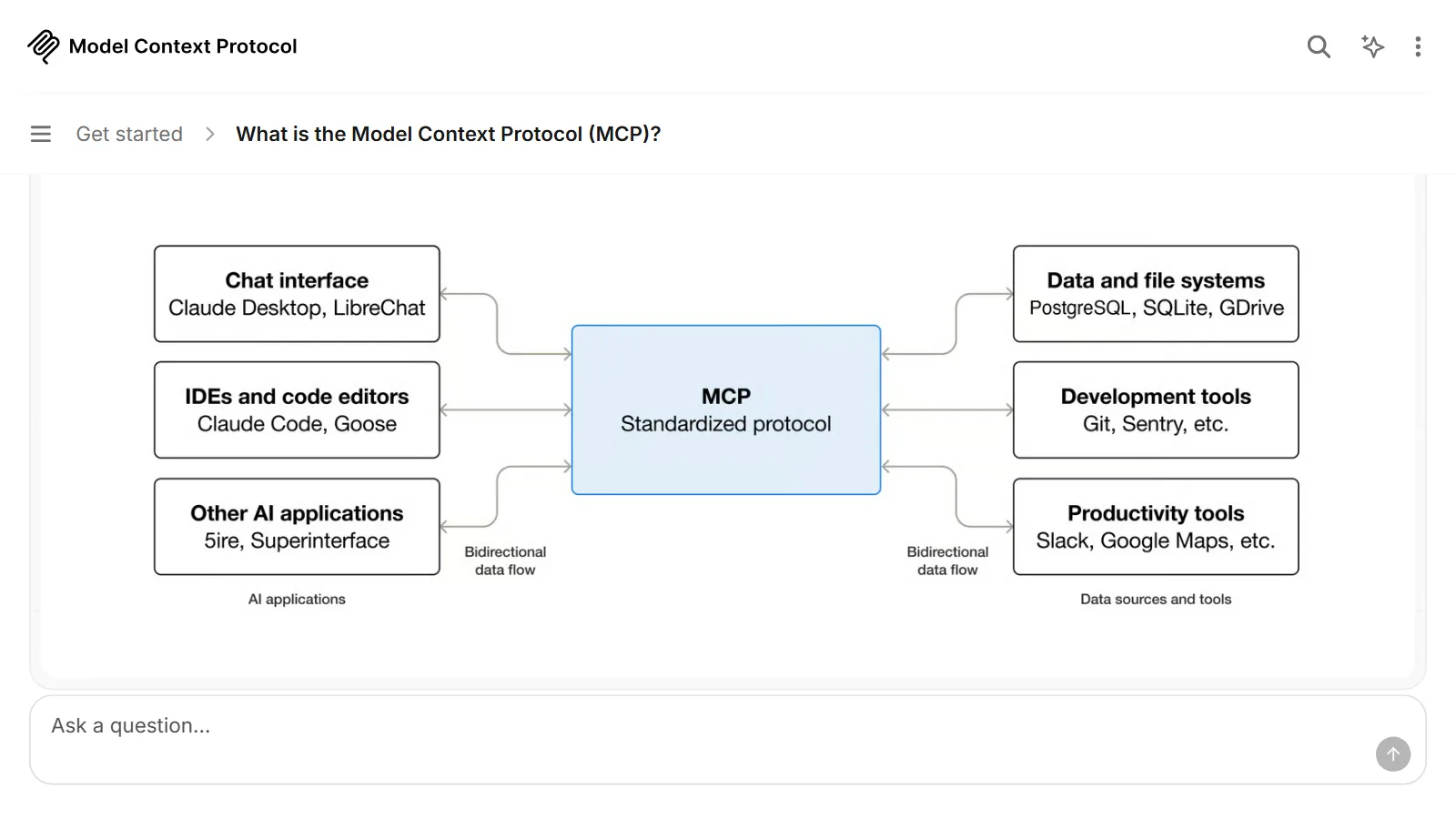
What is MCP? A USB-C-like standard for AI tools
MCP is a common standard that connects AI apps to files, calendars and work tools. Learn the host, client and server, how to connect, and what to watch.
DEV TOOLS
Developer tool basics 3 guides
The tools that come with the work, such as the terminal, Git and APIs.
 AI & IT tools
Git vs GitHub: what "put it on GitHub" means
Git records changes on your own computer. GitHub is an online service where you upload that record and work on it with others.
 AI & IT tools
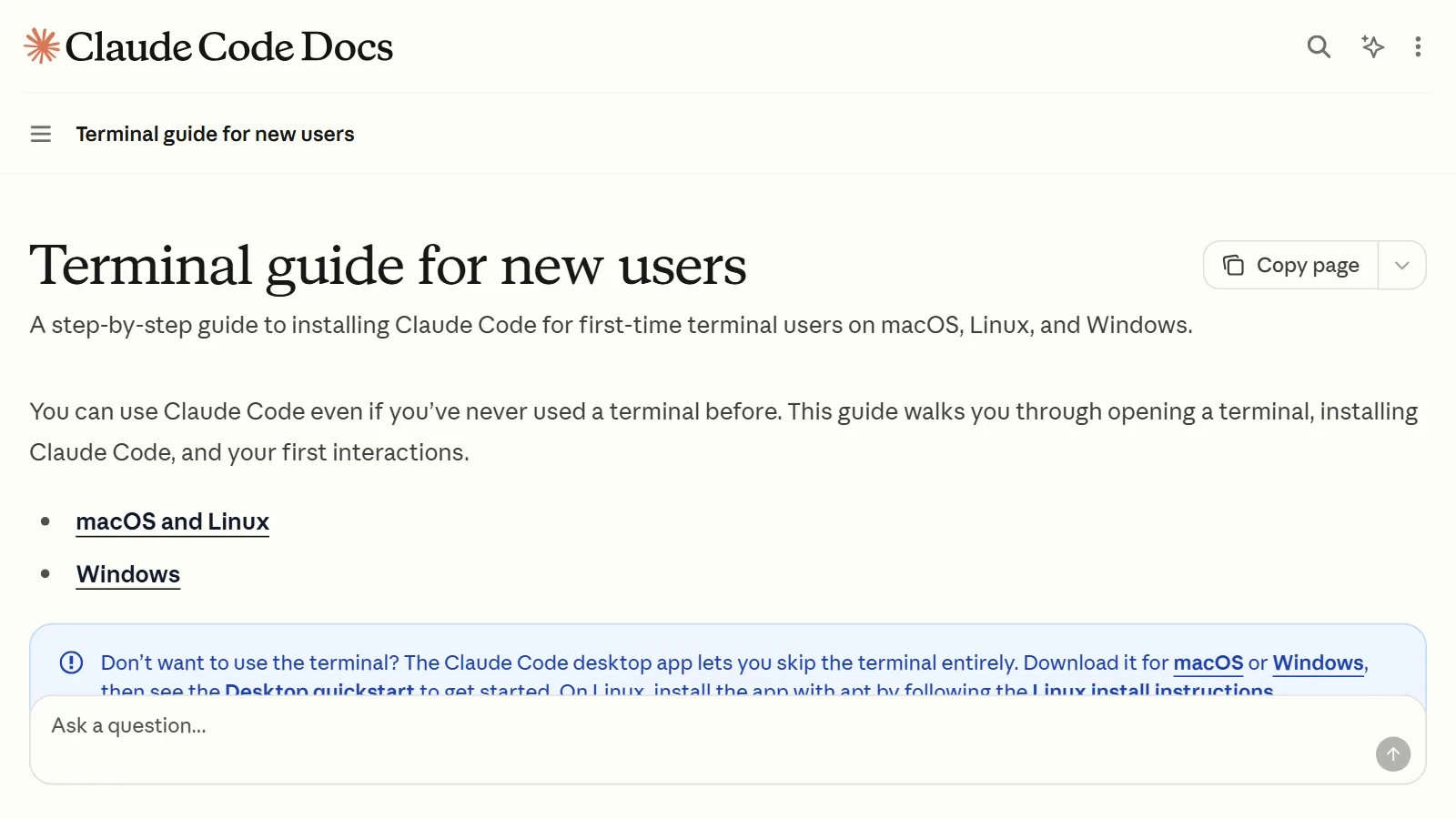
GUI vs CLI: the difference between clicking and typing
With a GUI you look and click; with a CLI you type commands. Learn terminal, shell and PowerShell, then open a terminal and make your first folder.
 AI & IT tools
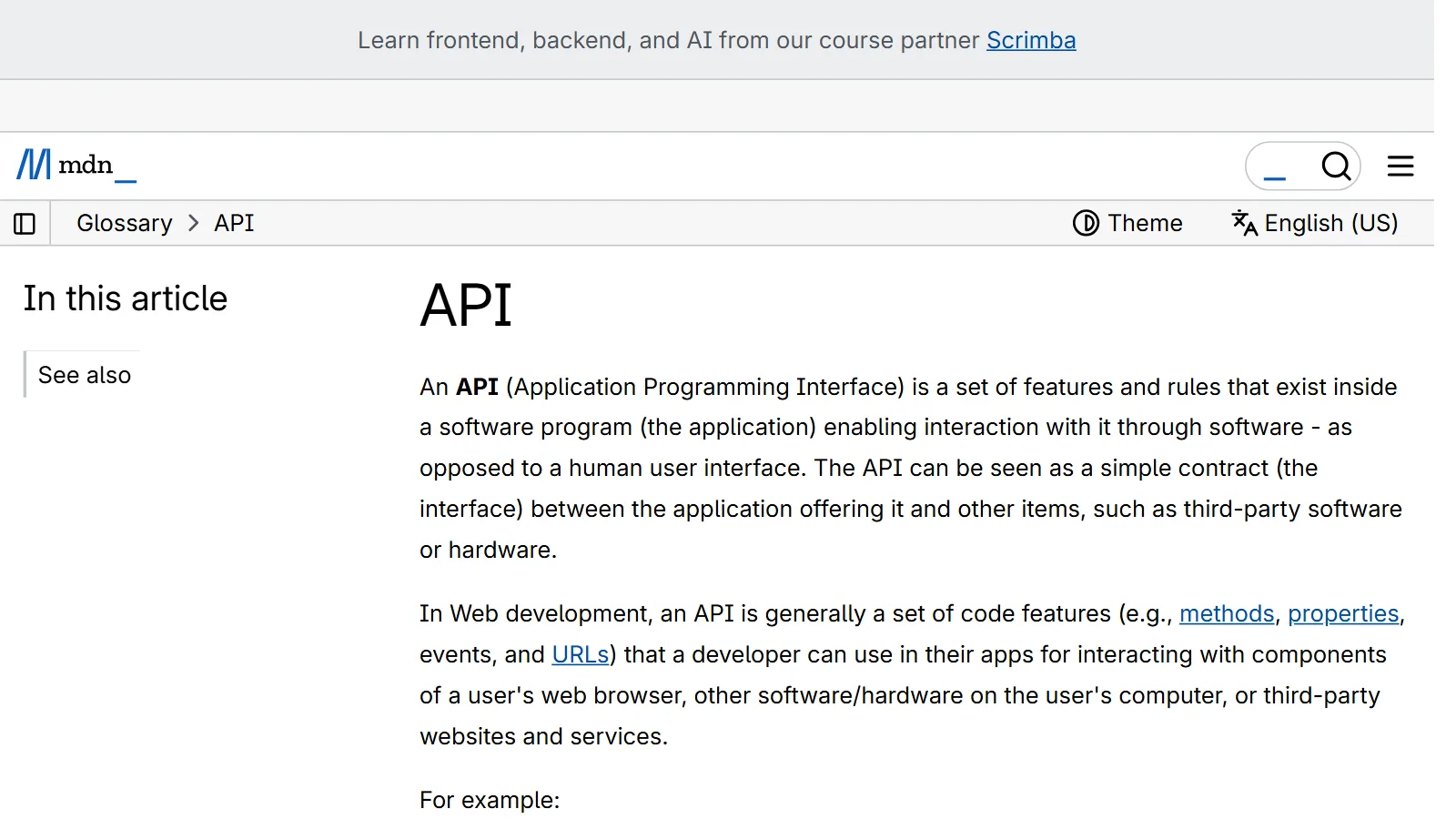
What is an API? Requests, responses and API keys
An API is a doorway where programs make requests and get responses by fixed rules. Learn requests, responses and keeping API keys safe.
HARDWARE
Computer hardware 17 guides
How to choose parts for 3D and AI work.
 AI & IT tools
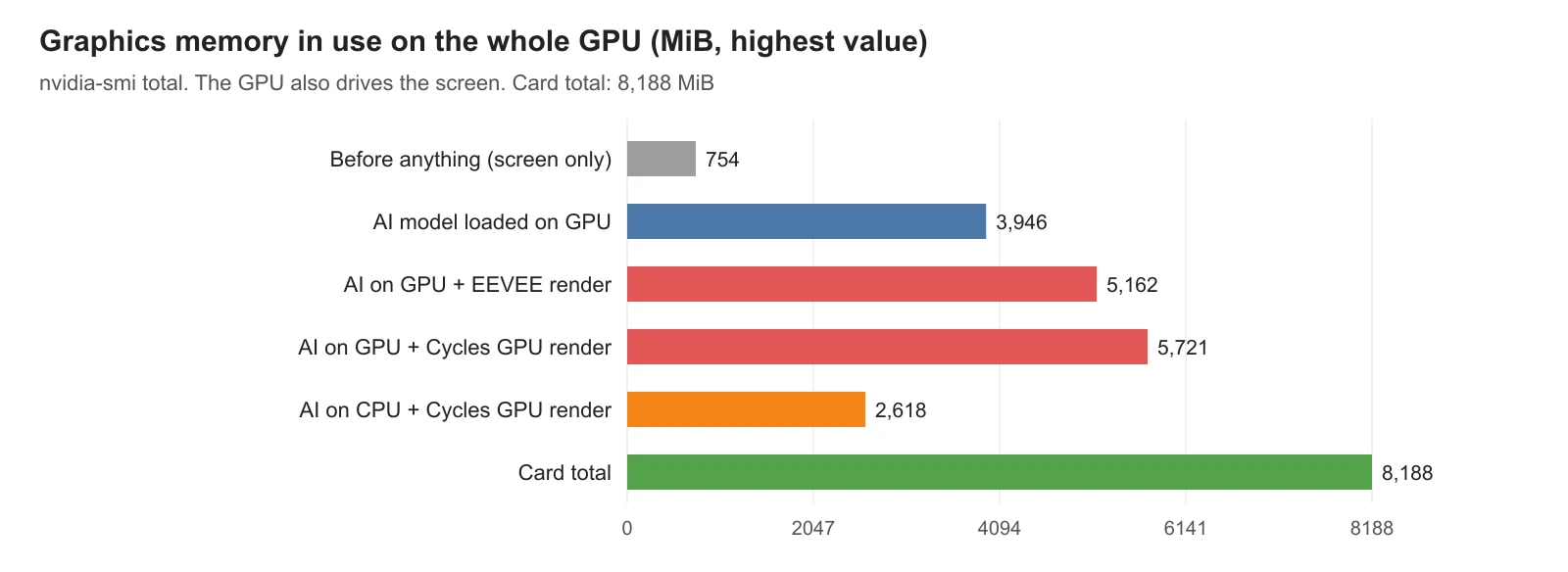
Blender and local AI on one 8 GB GPU: measured VRAM use
On an RTX 4070 Laptop (8 GB), Gemma 4 E4B on llama.cpp ran beside EEVEE and Cycles renders. VRAM use, slowdowns, GPU vs CPU, and memory planning.
 AI & IT tools
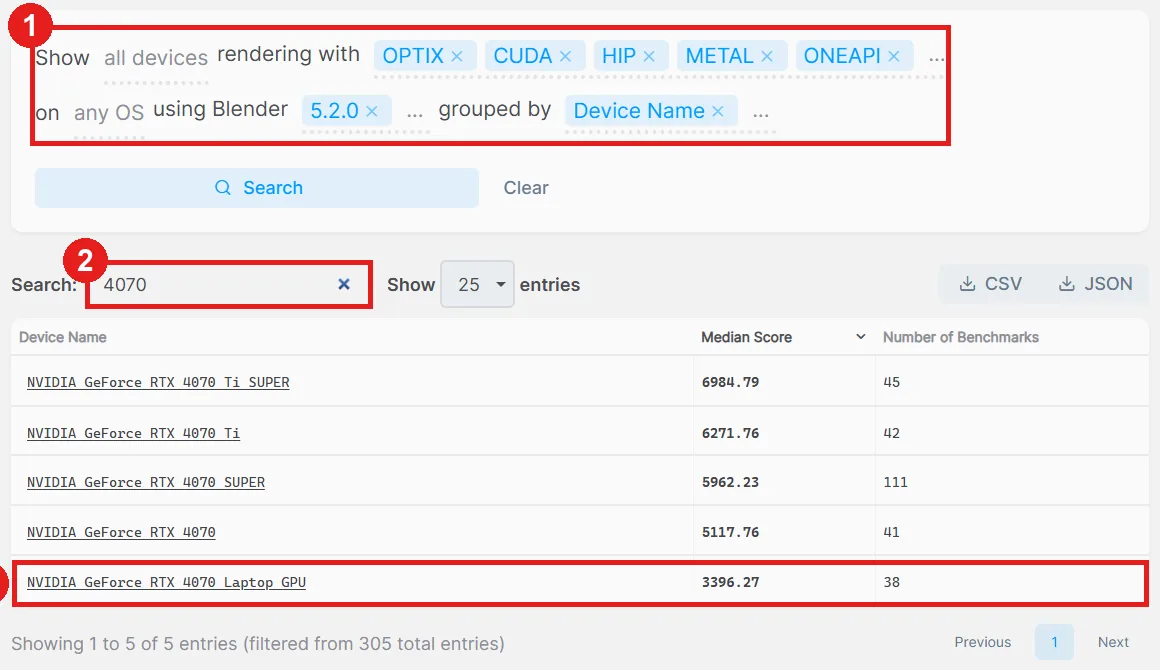
Blender benchmark scores: read Open Data for your GPU
Find your graphics card on Blender Open Data, see what the score means (Cycles samples per minute), read the median and count, and compare laptop chips.
 AI & IT tools
Blender EEVEE on an 8 GB laptop GPU: render times measured
Measured EEVEE time and VRAM per frame on an RTX 4070 Laptop GPU (8 GB) in Blender 5.2.1, changing resolution, samples, raytracing and shadows.
 AI & IT tools
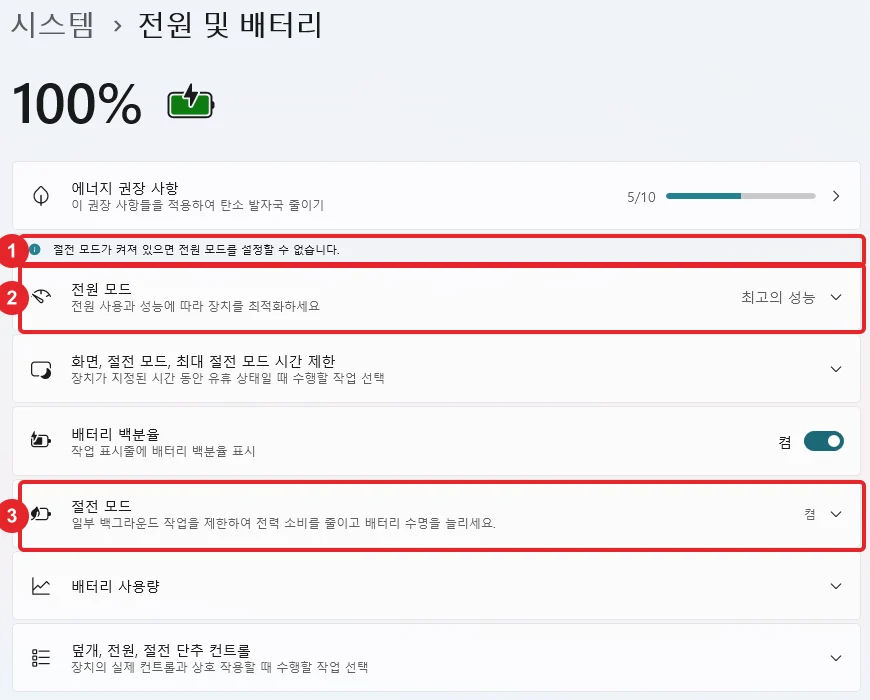
Blender renders on a laptop: check energy saver first
On a Windows 11 laptop with energy saver on, switching to best performance does not take effect. Check energy saver and the power plan, then time renders.
 AI & IT tools
PC bottleneck check for Blender and AI: measure first
Measure which part fills up (CPU, GPU, RAM or VRAM) while Blender works, with four jobs on an RTX 4070 Laptop GPU, before you decide what to upgrade.
 AI & IT tools
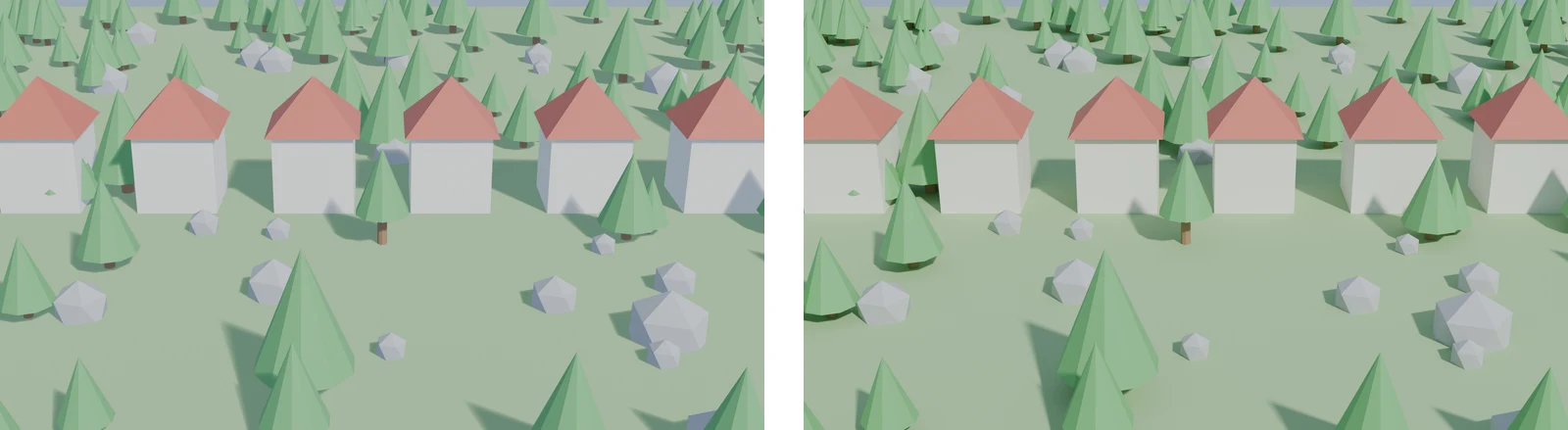
Blender render cost: your PC vs cloud GPUs, measured
Measure one Cycles frame's time and power on your PC, estimate cloud GPU speed with Blender Open Data scores, multiply by the hourly rate, and compare.
 AI & IT tools
CPU cores vs threads: why more is not much faster
Cores are the workers; threads are slots for tasks at the same time. See when more of them speeds up 3D work, when it does not, and how to check yours.
 AI & IT tools
CPU vs GPU: the difference and what each does in Blender
A CPU does complex tasks one after another, fast. A GPU does many simple tasks at once. See how they differ and what each does in Blender.
 AI & IT tools
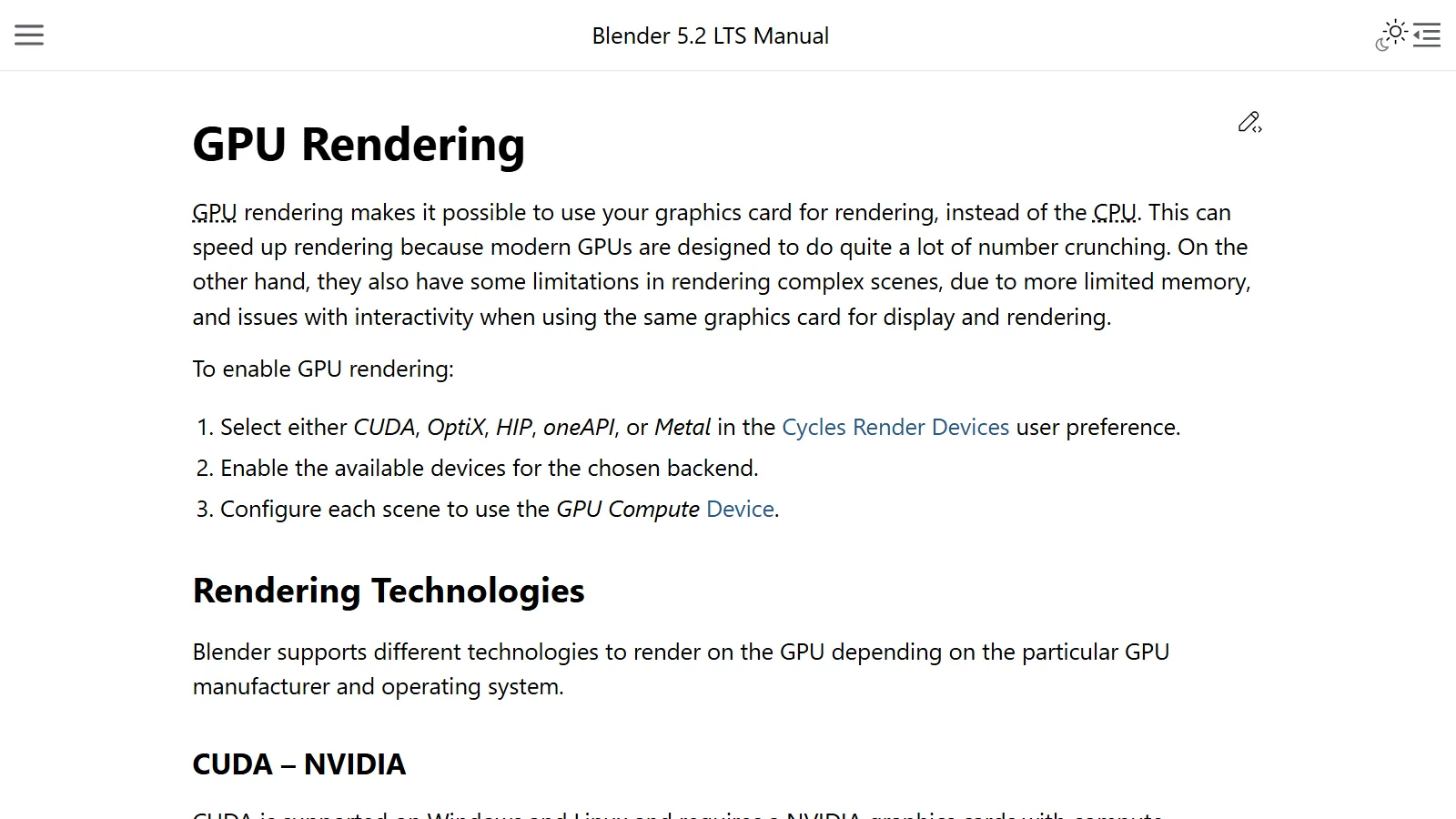
Blender GPU rendering: CUDA vs OptiX vs HIP and setup
To render Cycles on a graphics card, the backend (CUDA, OptiX, HIP and others) and settings must match. See the requirements, how to choose and set up.
 AI & IT tools
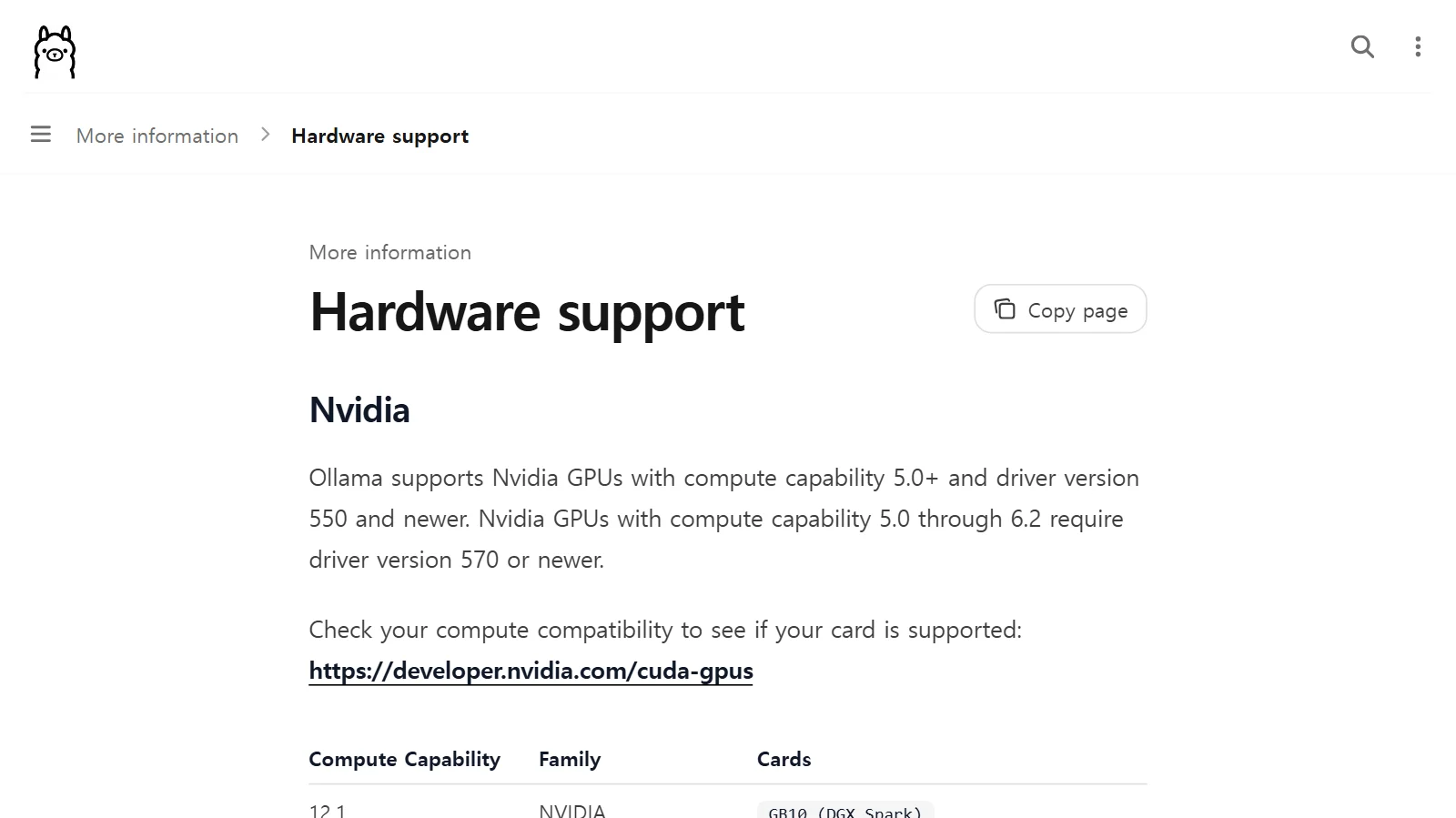
Local AI VRAM requirements: will the model fit your GPU?
Estimate whether a local AI model fits your graphics card from model size, quantization and VRAM, plus what else uses memory, like conversation length.
 AI & IT tools
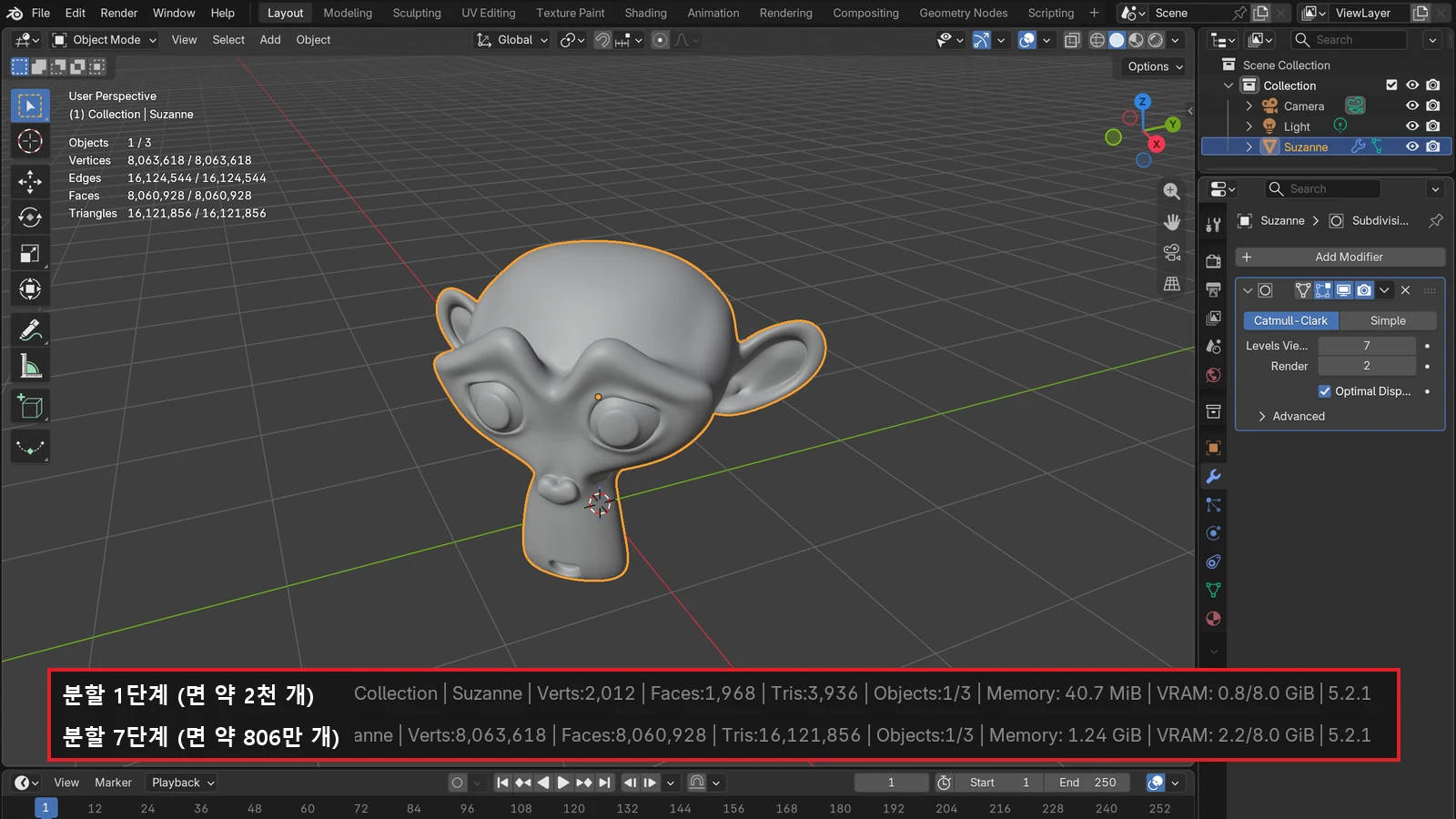
How much RAM do you need? Memory guidelines by task
RAM is your computer's desk. Use official requirements as reference points to estimate how much your work needs, check what you have, and save memory.
 AI & IT tools
Laptop vs desktop for Blender: why the same parts differ
Parts with the same name get different power and cooling in a laptop and a desktop. How to choose for Blender work, and laptop settings worth making.
 AI & IT tools
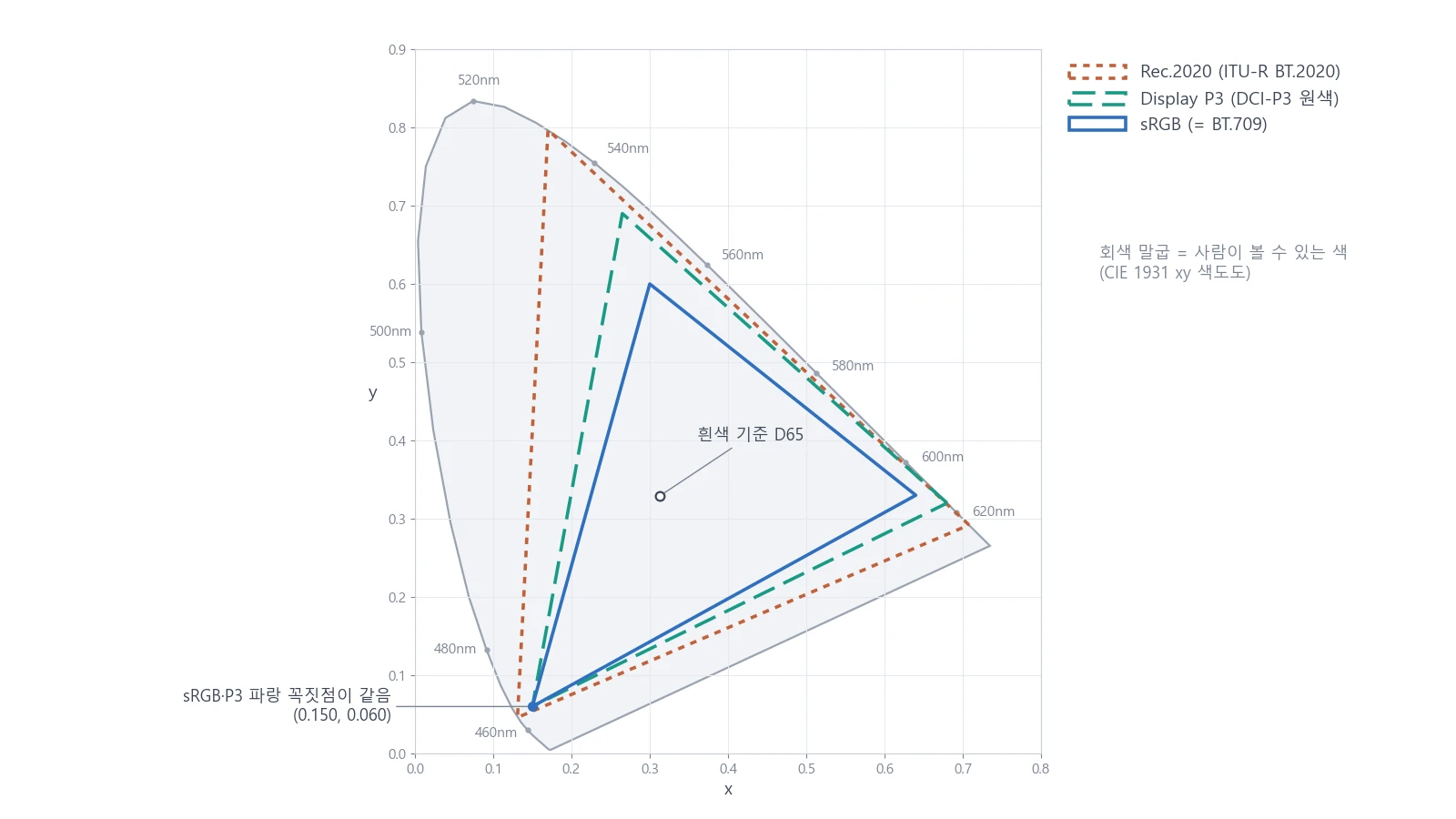
Monitor color gamut: sRGB vs P3 and calibration basics
Monitors show different ranges of color. Learn sRGB vs P3, why a wide gamut can make colors wrong, and color calibration basics on Windows and Mac.
 AI & IT tools
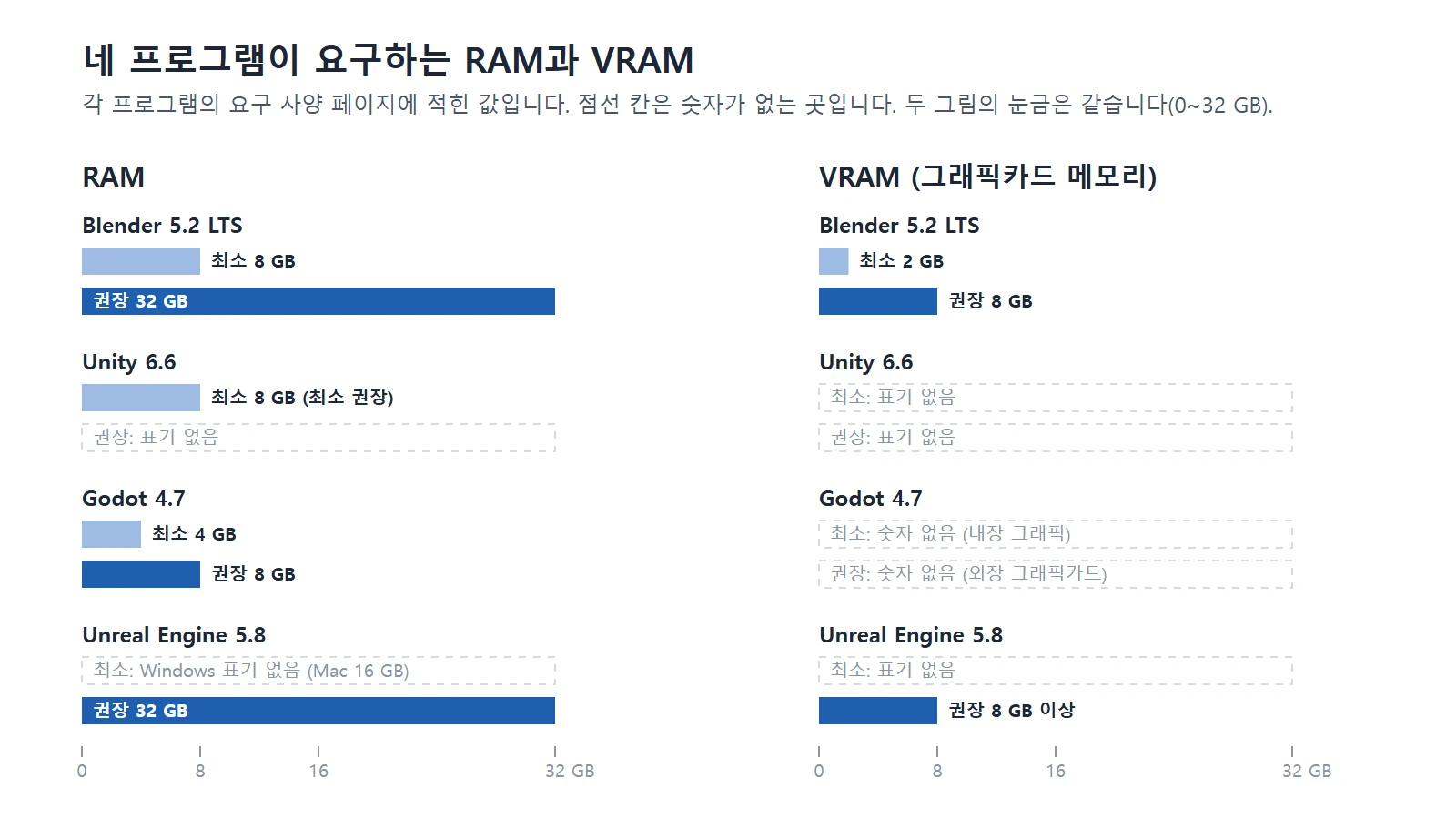
PC specs for Blender, AI and game engines: how to choose
Compare the specs Blender, three game engines and AI need, and choose between a Windows laptop, a MacBook and a desktop, with setups by use.
 AI & IT tools
SSD, HDD, NVMe and M.2 explained for 3D work
HDD and SSD are recording methods, SATA and NVMe are connections, M.2 is a shape. Read spec sheets, choose a drive, and know where to keep Blender files.
 AI & IT tools
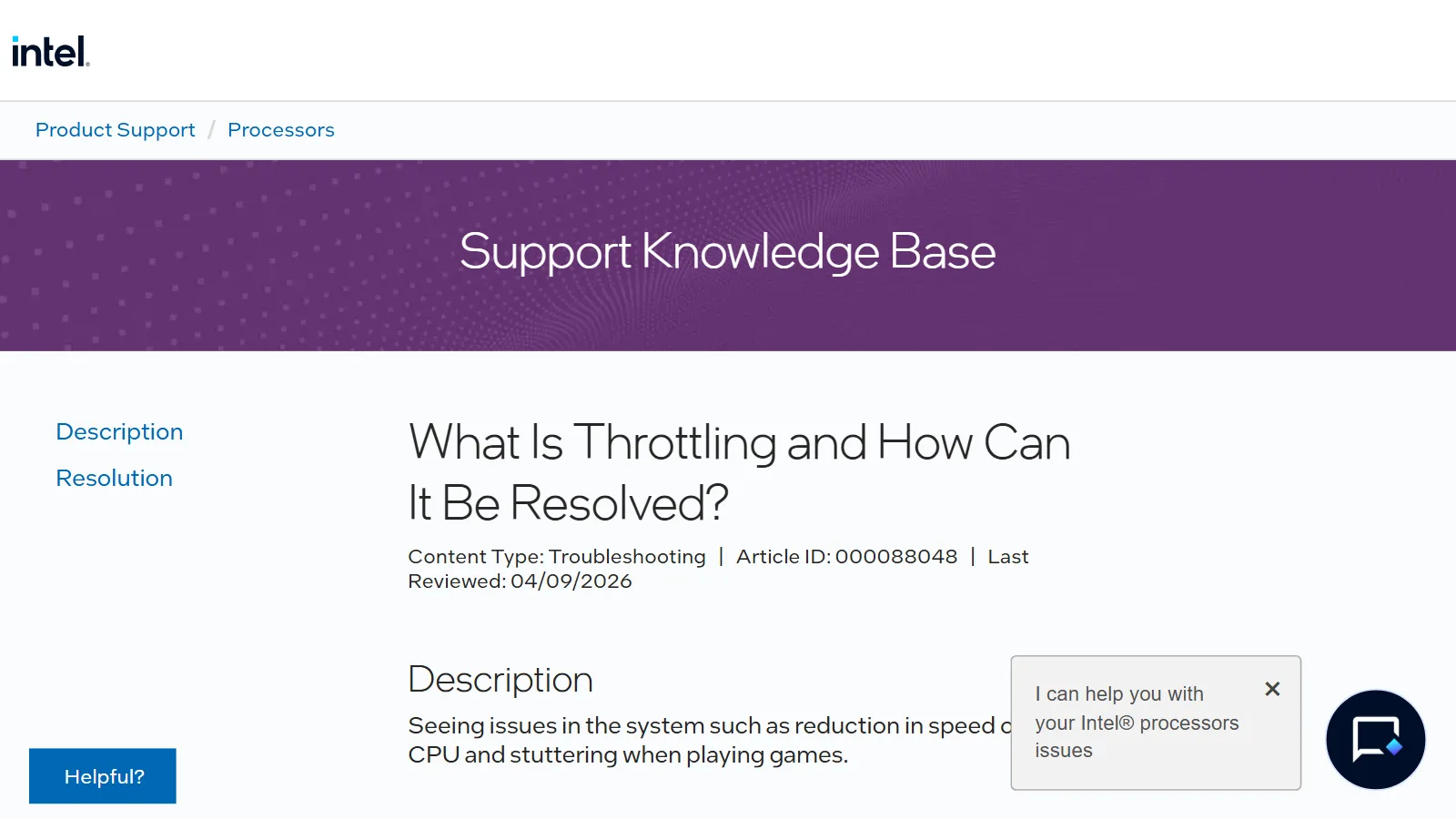
Thermal throttling: why your PC slows down when rendering
A hot chip lowers its own speed to protect itself. Why computers slow while rendering, signs to watch, what makers recommend, and what to do in Blender.
 AI & IT tools
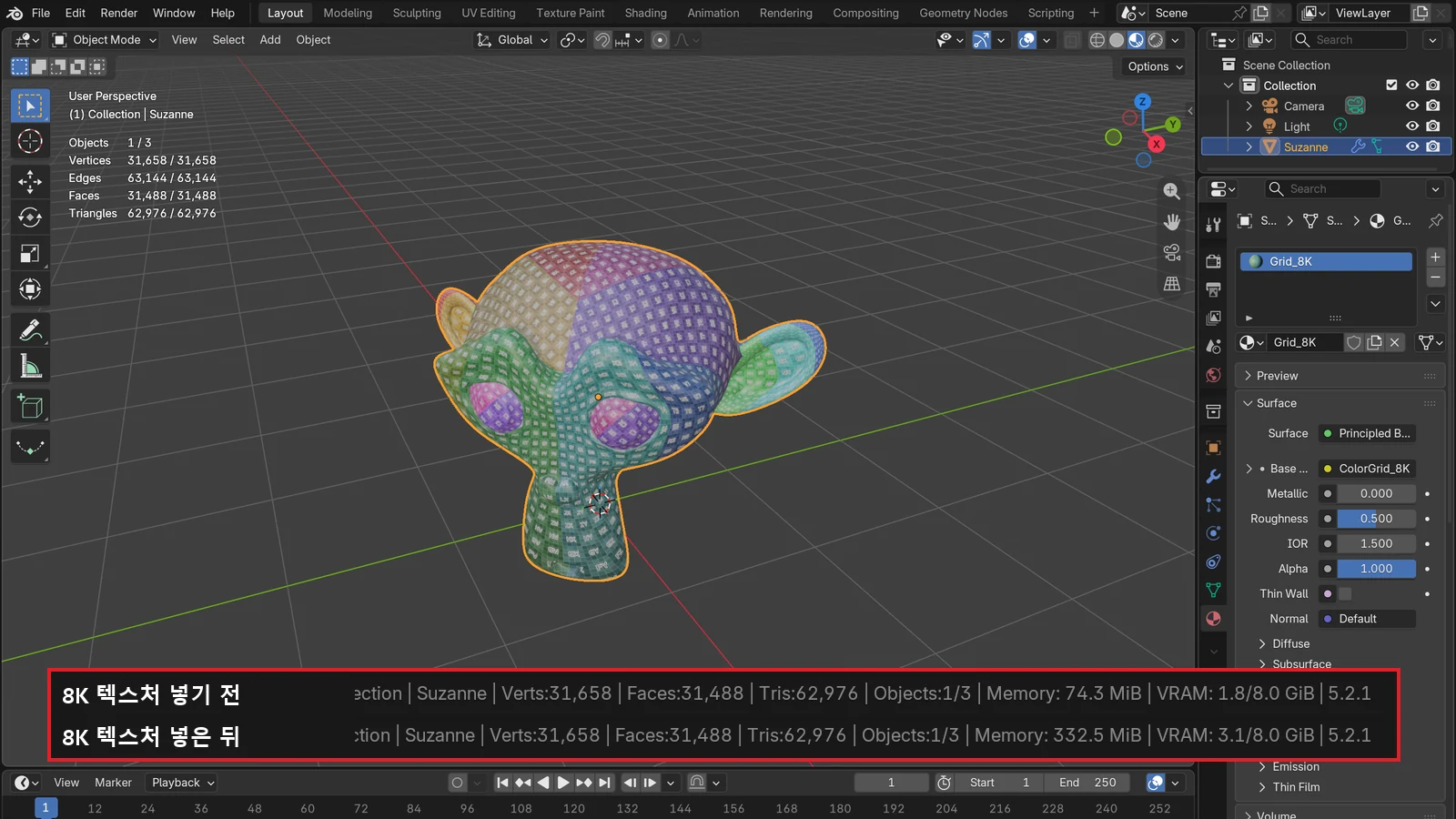
What is VRAM? Why graphics card memory matters
VRAM is a workbench right next to the GPU. Learn what goes on it, what happens when it runs short, and how to check and save it in Blender.