The craft of making ideas real.
AI and Blender widen what one creator can make.
Learn it, build it yourself, and finish your own work.
A to Z. Ideas to reality.
LEARN. BUILD. CREATE.
What would you like to make?
From the basics you need on day one to new methods for your next piece.
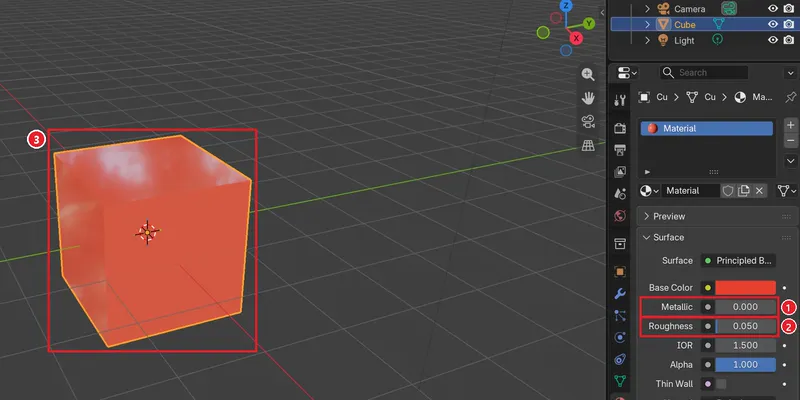
Blender basics
From the first screen to a 3D scene of your own. Learn one step at a time and build as you go.
See the Blender guides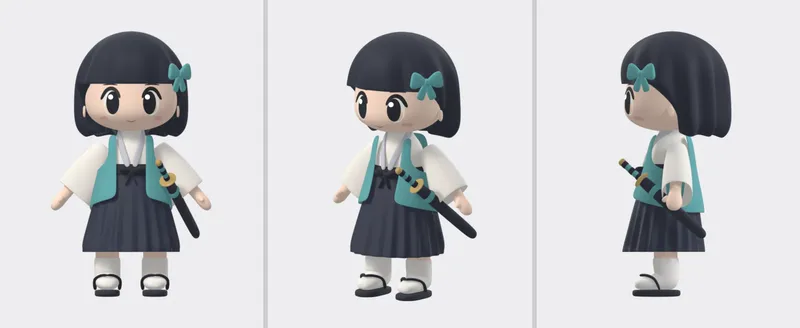
AI workflow
Turn an idea into concrete tasks. See how AI and Blender work together.
See the workflow3D animation
Add movement and story to a scene, from planning to one finished shot.
See the processIt's fine to start small. There is a project checklist and a template for briefing an AI on 3D work.
FROM THE WORKSPACE
One step further: production notes.
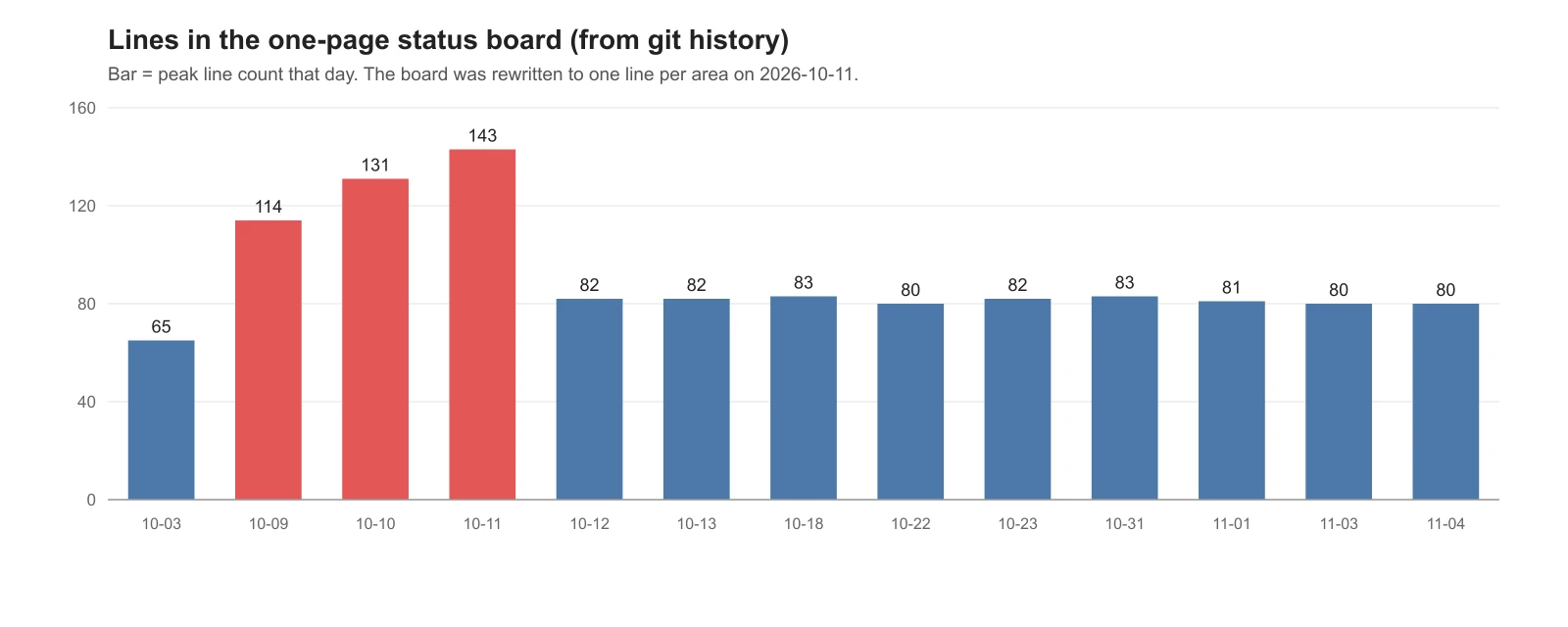
Long Claude Code projects: RESUME files and handoffs
Keep weeks-long Claude Code work on track with a short summary in a RESUME file, a /handoff command, and a status line and hook that warn at 60% and 70%.
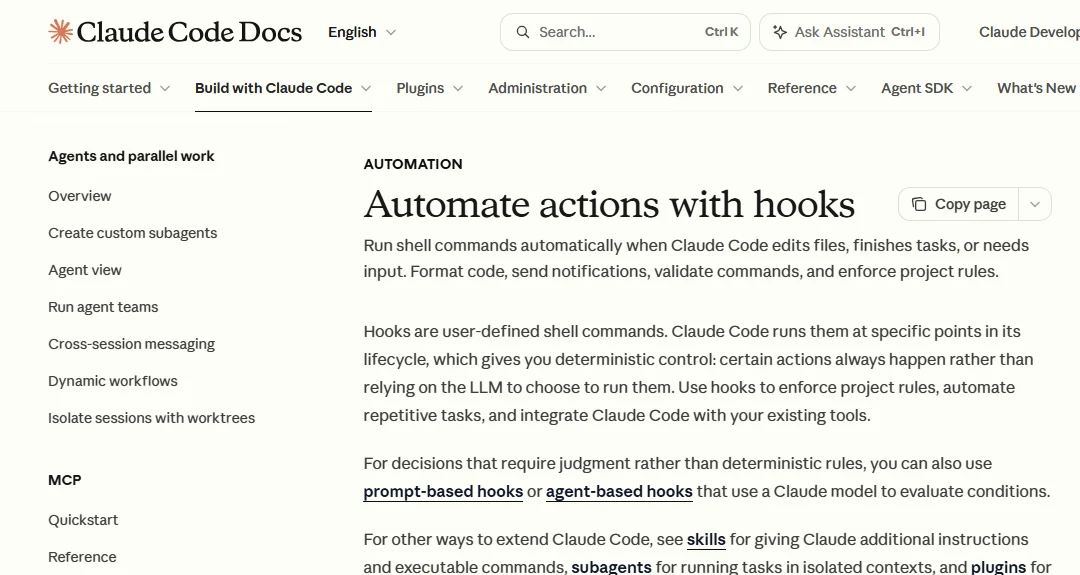
Claude Code hooks: block risky commands with PreToolUse
Write a small Python PreToolUse hook that Claude Code runs before each tool call, register it in settings.json, and block five risky agent commands.
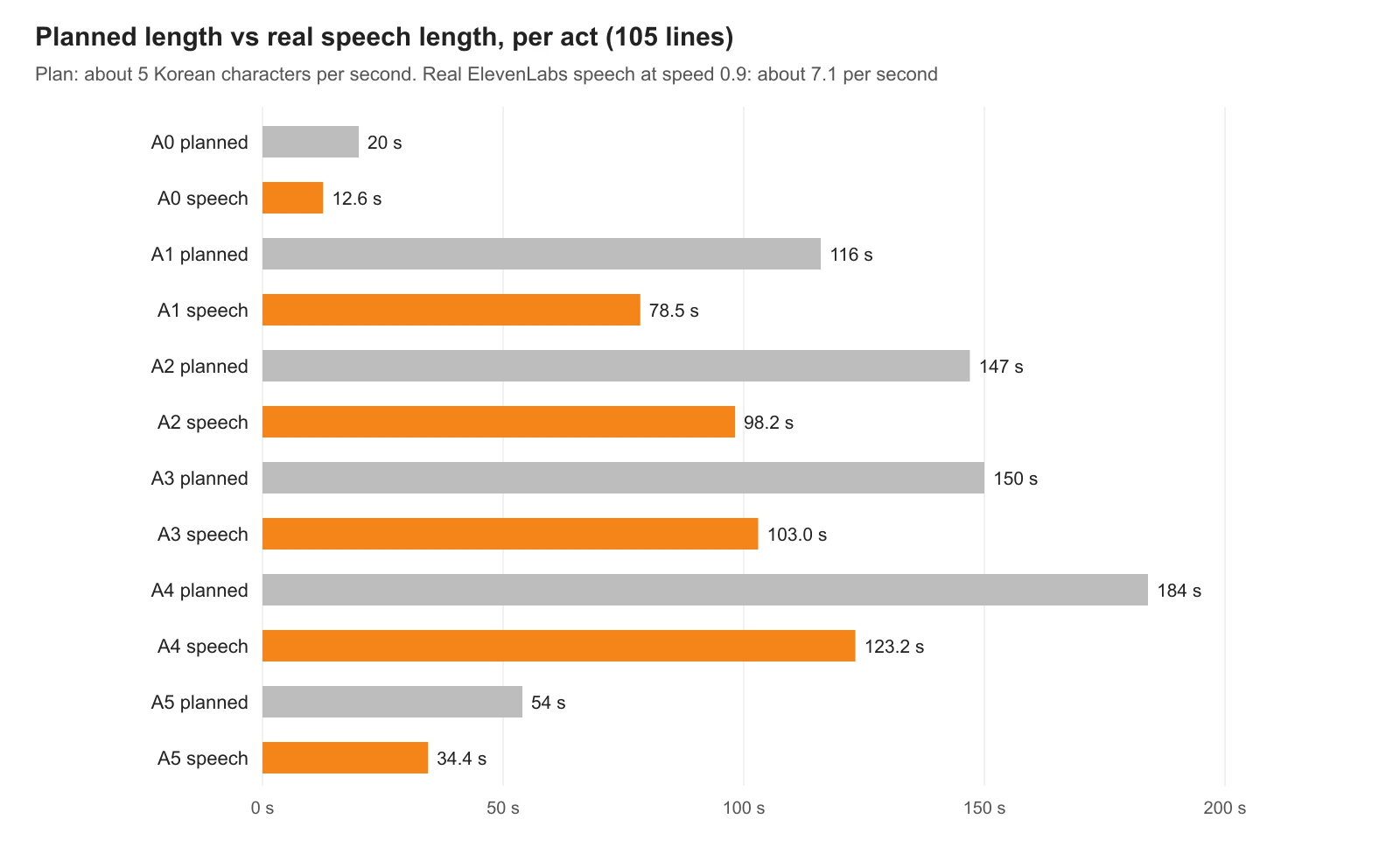
AI narration length: characters per second and shot timing
Why a 5 characters-per-second plan came out 30% short in ElevenLabs, how to set the rate, spell out numbers, and fit one file per line to each shot.
YOUR NEXT CHAPTER
Learn one step at a time,
and finish what you start.
From Blender's first screen to a 3D scene of your own.
Start at the pace and in the way that suits you.
Where a small idea becomes the next piece of work.
AZTechnology